USER MANUAL | MultiPhone PAP4500 DUO
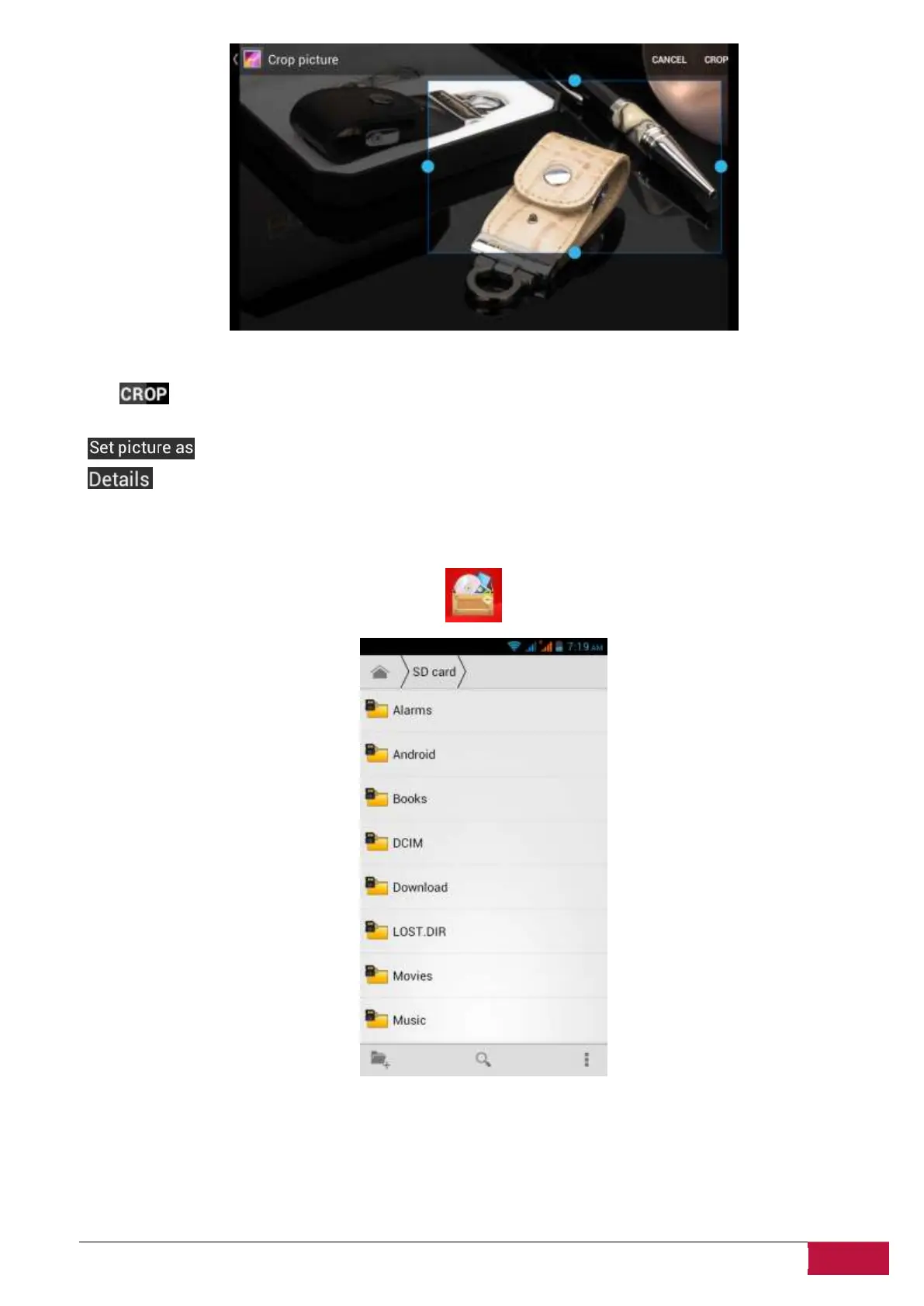
Drag from the inside of the cropping tool to move it; drag an edge of the cropping tool to resize it to any
proportion; drag a corner of the cropping tool to resize it with a fixed proportions.
Tap to save a copy of the picture as you cropped it. The original (not cropped) version remains on
your SD card.
to set the current picture/photo as wallpaper;
to see more details about the current picture/photo;
8.4 File Manager
On the Home screen, tap the File Managericon to open it as follows:
In File manager you can navigate your storage and manage your files in the local disk and your
storage card: copy/paste, delete, move and rename file and folder and send them via Bluetooth, mail or
Skype.












 To Next Page