USER MANUAL | MultiPhone PAP4500 DUO
11. Troubleshooting
11.1 Forced shutdown
There is no special button which helps you to reset the device if it stops responding. If such a situation
happens you may remove the back cover and detach the smartphone’s battery. This operation might
cause data loss though, so please backup important information on a regular basis.
11.2 Restore default settings
To restore the factory default settings, you can tap Settings > Backup & reset> Factory data reset.
Warning: data of your Google account, your personalized settings, and installed applications will be
removed from your device once you execute factory default settings, so please make a careful decision
whether to restore default settings. Before restoring default settings, it is suggested to backup
data/applications you want.
11.3 System updating
After system update/upgrade, it may occur that the installed third-party applications cannot run or there
is data loss or damage to the apps. This is normal phenomena rather than a system fault. You just need
to download and install the third-party applications again into the device. It is recommended to backup
data of the third-party applications before system update/upgrade.
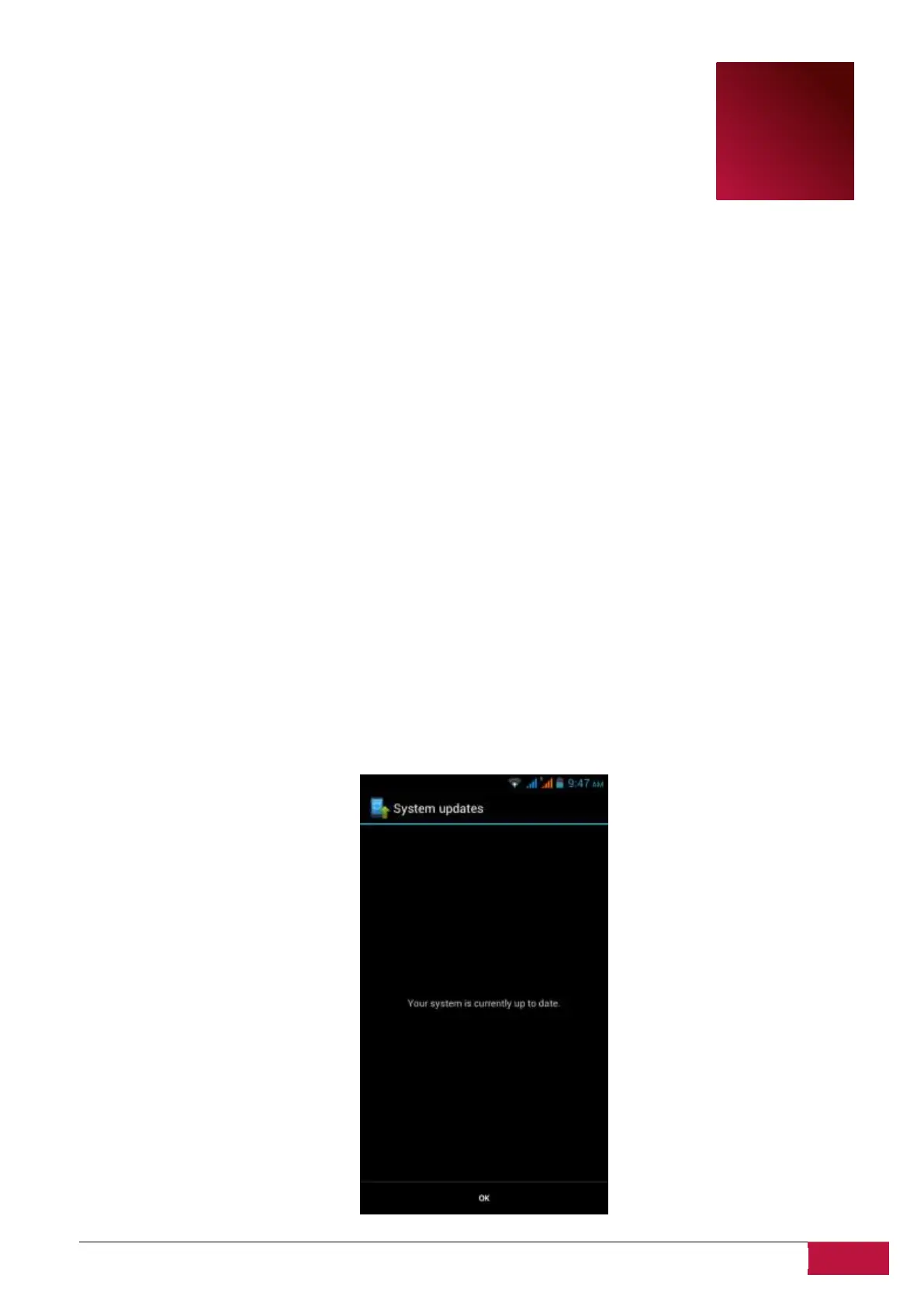
Please note, that Prestigio provides OTA (Over-the-Air) update service to its customers. You may turn
on/off automatic updates and perform a manual check in the following screen accessible via Settings-
About phone-System updates:












 To Next Page