USER MANUAL | MultiPhone PAP4500 DUO
6. Web browsing
User can connect to the network via the browser.
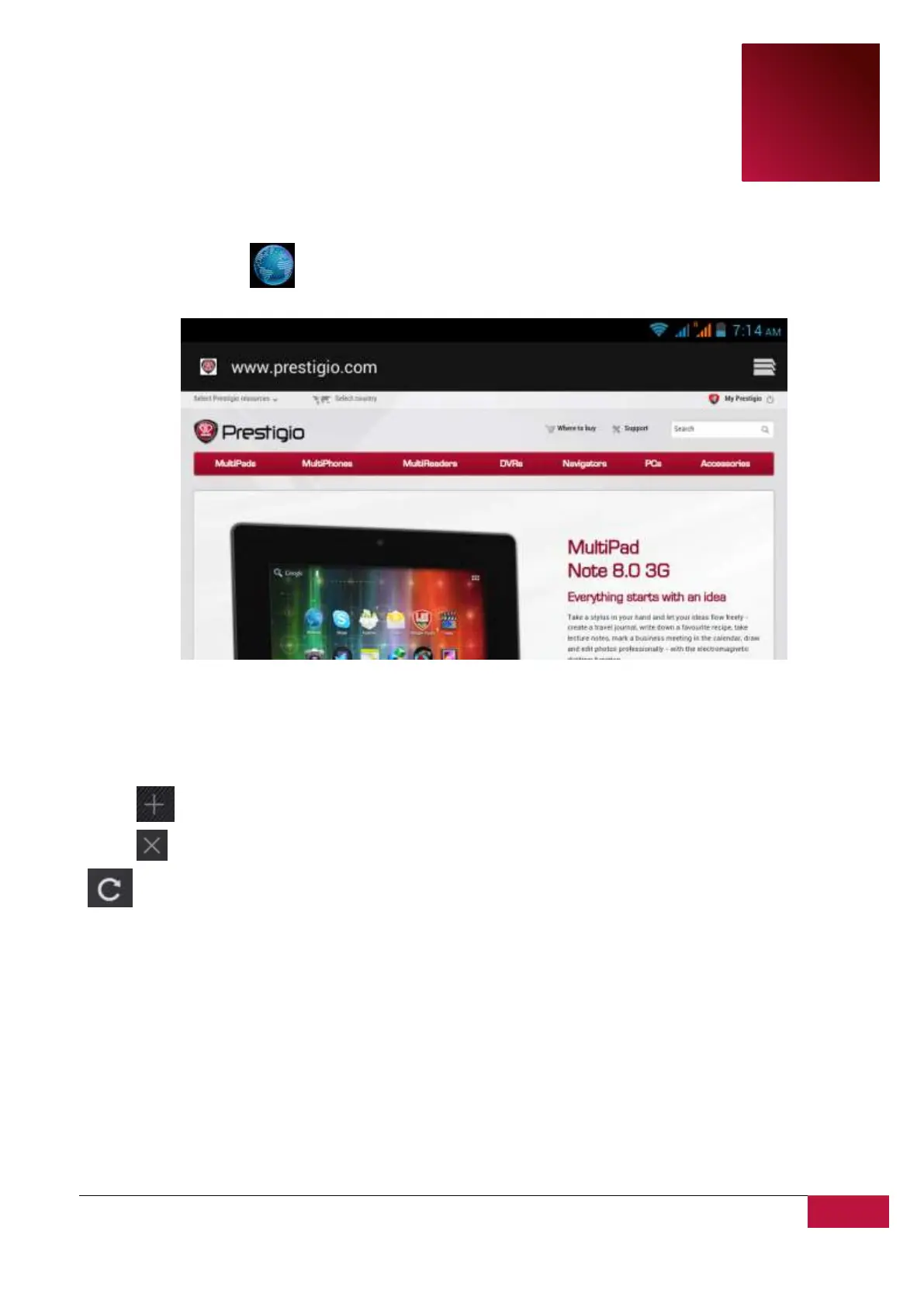
Tap the browser icon on the Home screen to open it as follows:
Use keyboard to type URL (web-site address) or search phrase at the address bar.
Please note, that the browser supports tabs, you may open multiple tabs in a single browser window,
switch them by a single touch or close the tabs at your choice.
Touch to open a new tab.
Touch to close the tab.
this icon allows you to reload the active page.
To exit browser application just tap Back button.












 To Next Page