USER MANUAL | MultiPhone PAP4500 DUO
2. Main Control panel.
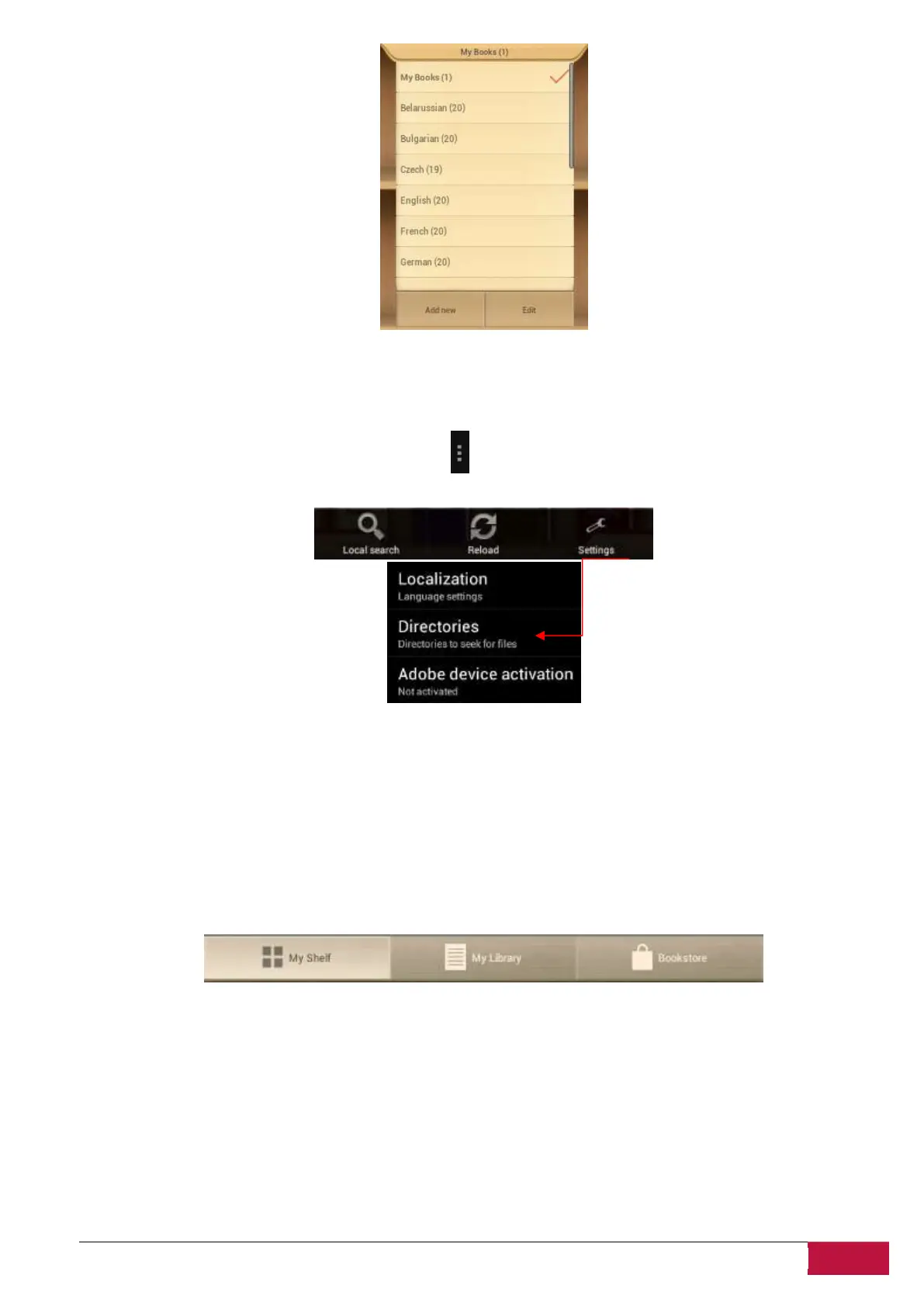
Settings can be called from the notification bar . Use opened options to make a quick Search, Refresh
your content or Enter in Settings.
Localization. Set a custom language for your application that can be different from the Android system
language.
Directories. Set any custom directory from which books will be available on the shelves.
Adobe device activation. Set Adobe Id to allow working with Adobe DRM protected books.
3. Navigation in main sections.
My Shelf is graphic presentation of the books content and its control.
My Library is the File tree and automatic grouping of the books between several assigned categories:
Collections, Favorites, Recent, …
Bookstore is the online shop of the books proposed by Prestigio to their customers in 22 languages with
the possibility to Search and purchase any book directly from application.












 To Next Page