USER MANUAL | MultiPhone PAP4500 DUO
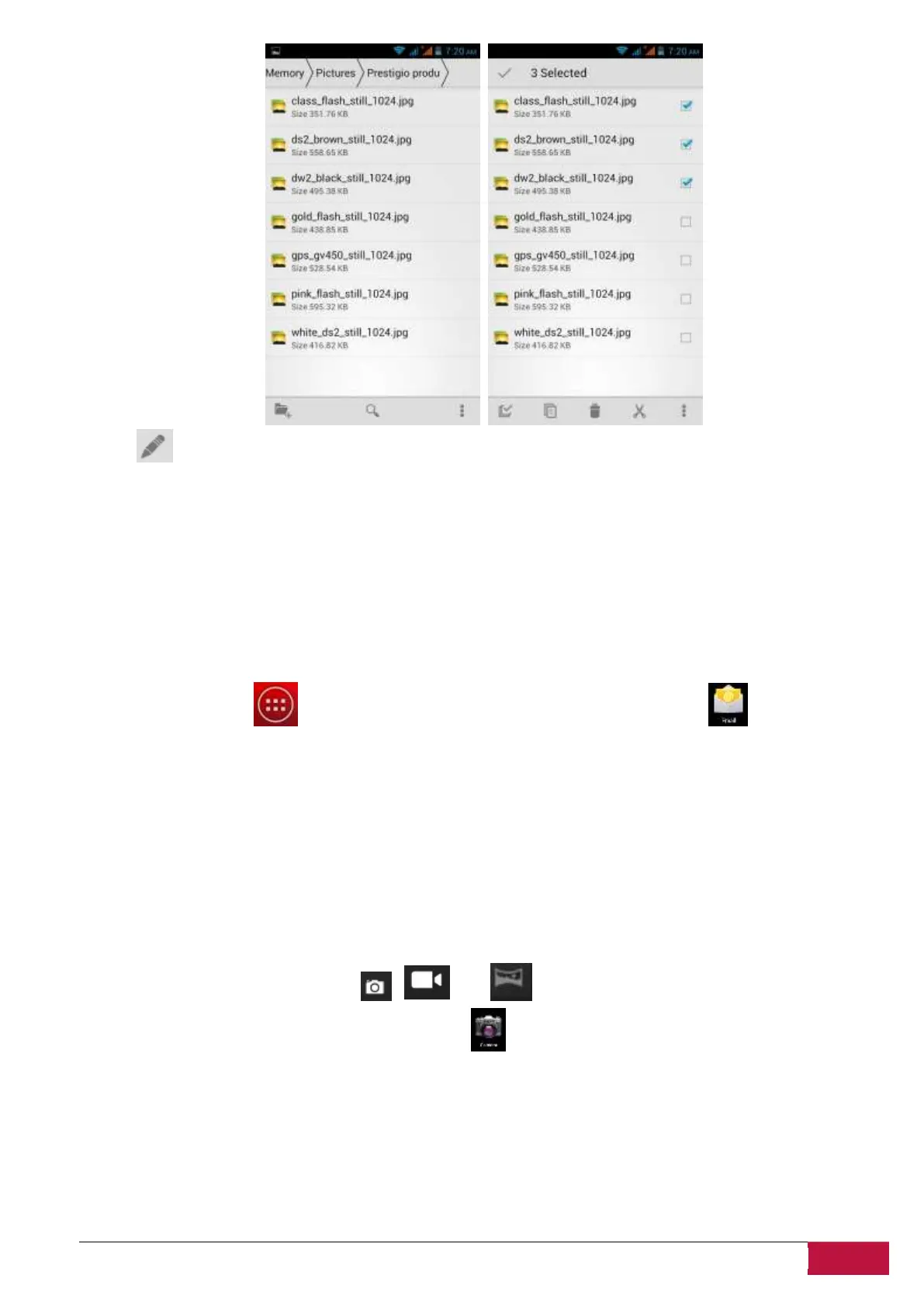
Touch to select multiple items in the list.
8.5 Instant Messaging tools
You can download from Google Play and install chat tools on your device such as Skype, Fring, ICQ etc.
Please refer to Messaging chapter of this manual to get information about SMS/MMS messaging
features of the smartphone.
8.6 E-mails
Tap the launcher icon on the Home screen to display all icons, tap the Email icon to run it.
With help of Prestigio MultiPhone you can:
1. Setup mail accounts
2. Create new mails
3. Receive and send mails
4. Download or open the attached files
8.7 Camera
The Camera app is a combination of a camera, camcorder and panorama. You may toggle between these
modes by touching respective icons , and .
To take pictures and videos touch the Camera icon on a Home or All Apps screen.












 To Next Page