USER MANUAL | MultiPhone PAP4500 DUO
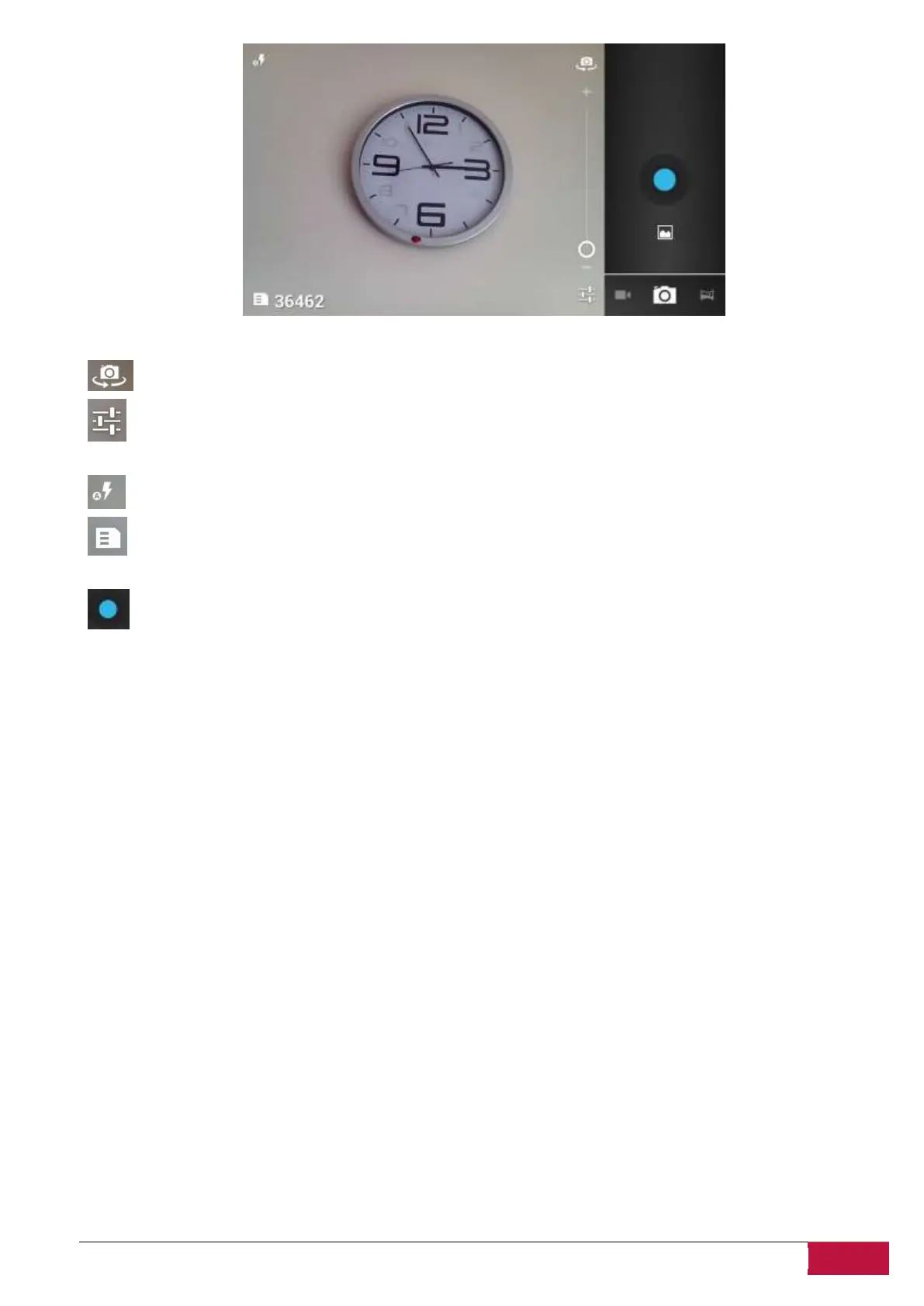
- tap this icon to toggle between front and back camera modules
-tap to open settings menu, where you can adjust image properties: turn HDR effects on/off ,
change the picture size and resolution, enable color effects etc.
- this indicator informs of current Flash model (on/off/auto)
- number next to this icon shows the estimated remaining capacity of smartphone memory
(number of photos)
- tap the button to make a photo shot












 To Next Page