USER MANUAL | MultiPhone PAP4500 DUO
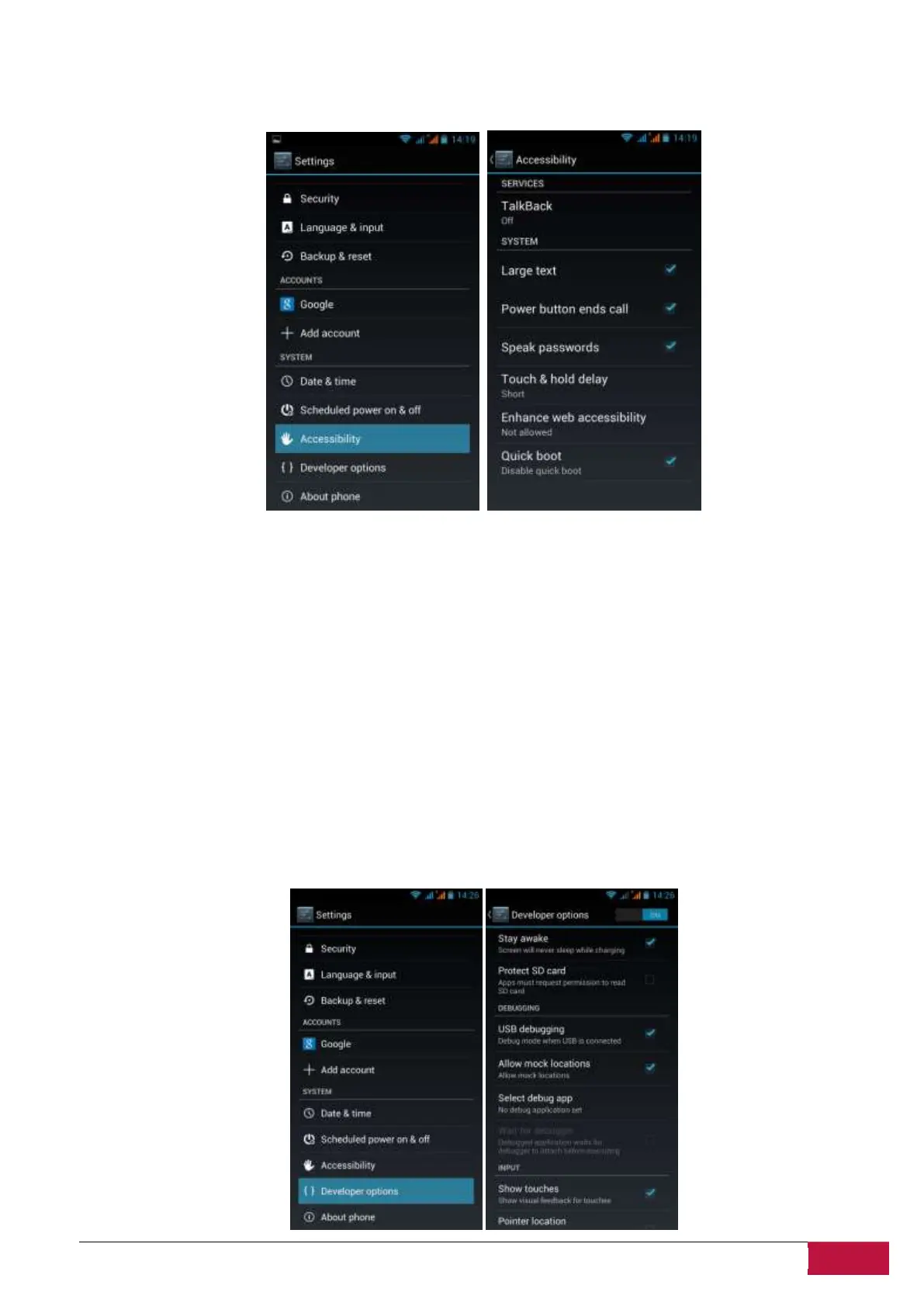
10.14 Accessibility
Smartphone’s accessibility features make it easier to use in case the user has special requirements
TalkBack is a preinstalled screen reader service. It uses spoken feedback to describe the results of
actions, such as opening an app, and events, such as notifications
Power button ends call – check to enable this setting, which can help to operate the smartphone when
calling.
Auto-rotate screen - Check to have the screen rotate automatically when you change the phone’s
orientation
Touch & hold delay: 3 levels of delay when touch and hold widget or icon are available – Short, Medium,
Long. It regulates the duration of object hold till further actions.
10.15 Developer options
You can set the USB debugging mode, select screen stay awake while charging and so on. You can also
manage user interface and apps.












 To Next Page