USER MANUAL | MultiPhone PAP4500 DUO
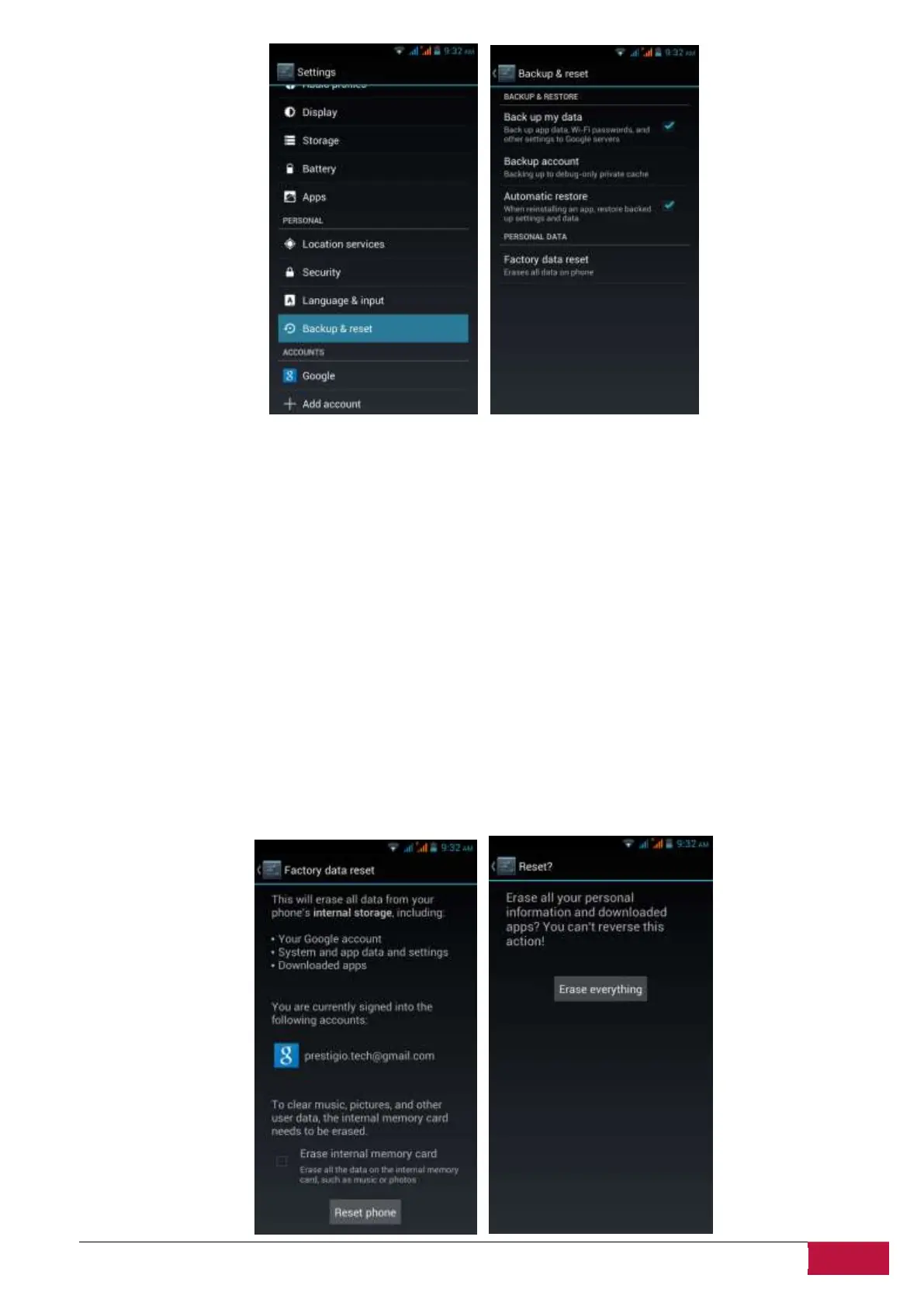
Back up my data. If you check this option, a wide variety of your personal data is backed up
automatically, including your WiFi passwords, Chrome bookmarks, a list of the apps you’ve installed on
Google Play, the words you’ve added to the dictionary used by the onscreen keyboard, and most of your
customized settings. Some thirdparty apps may also take advantage of this feature, so you can restore
your data if you reinstall an app. If you uncheck this option, your data stops getting backed up, and any
existing backups are deleted from Google servers.
Backup account. Displays the Google Accounts whose information gets backed up. You must sign in with
one or more of these accounts on a new or reset device to retrieve the associated information.
To add a new account, touch Backup account > Add account.
Automatic restore. Check this option to restore settings and other data when you reinstall an app. This
feature requires that you are backing up your data with your Google Account and that the app is using
the backup service
Factory data reset. Touch this option, then Reset phone to erase all your personal data from internal
storage, including information about your Google Account, any other accounts, your system and app
settings, any downloaded applications, and your music, photos, videos, and other files.












 To Next Page