EN-20
Autorouting
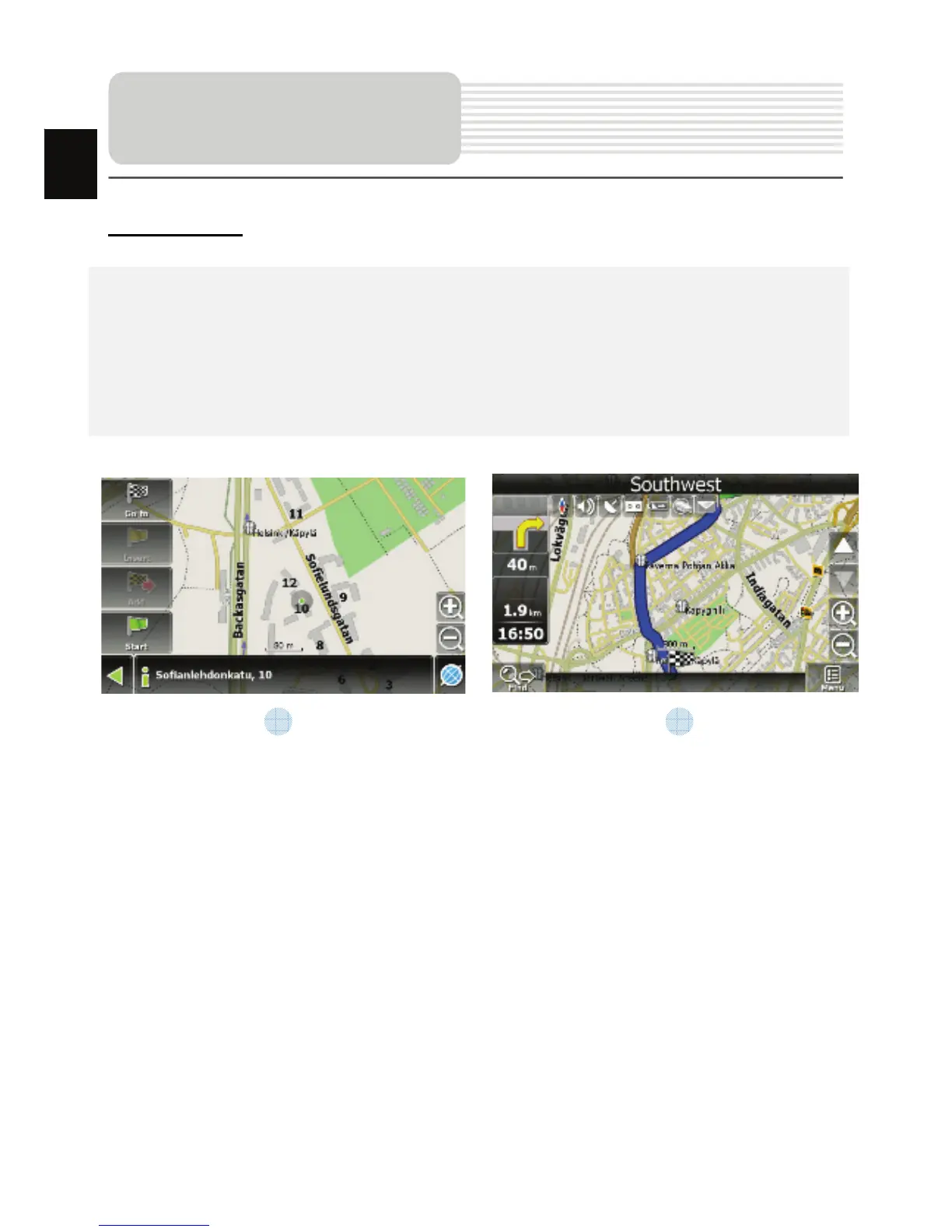
In order to create a route automatically, from the current position to the destination
point, tap with the stylus pen on the place on the map where the final point is, tap on
the “Cursor” button and in the context menu choose "Go to" (Fig. 1). The calculated
route will be shown on the map in blue color with highly visible dark border (Fig. 2).
Please, note that in case of non-routable maps, the route will represent a straight green
line from your position to the destination point, ignoring the existing buildings, roads, etc.
Autorouting
1 2
EN














 To Next Page