EasyManua.ls Logo

Preventice Technologies BodyGuardian One - User Manual

Preventice Technologies BodyGuardian One
28 pages
Print Icon
To Next Page IconTo Next Page
Loading...
Instructions for Use

Questions and Answers

  • J
    Jasmine JohnsonJul 26, 2025
    What to do if there are noise artifacts on ECG signal with Preventice Technologies Medical Equipment?
    • A
      Ariana BellJul 26, 2025
      If you're experiencing noise artifacts on the ECG signal with your Preventice Technologies Medical Equipment, make sure all electrodes are securely attached and are of the recommended quality. Also, verify that the ECG lead cable is fully inserted into the monitor.
  • T
    Teresa MooreAug 4, 2025
    What to do if Preventice Technologies Medical Equipment shows low battery?
    • R
      Rachel WalshAug 4, 2025
      If your Preventice Technologies Medical Equipment has low battery, try recharging it or install a new or fully charged battery.
  • M
    Monique HarrisAug 14, 2025
    How to fix no power issue with Preventice Technologies Medical Equipment?
    • H
      Howard MartinezAug 14, 2025
      If your Preventice Technologies Medical Equipment has no power, check the battery and recharge it. Alternatively, install a new or fully charged battery.

Summary

Equipment

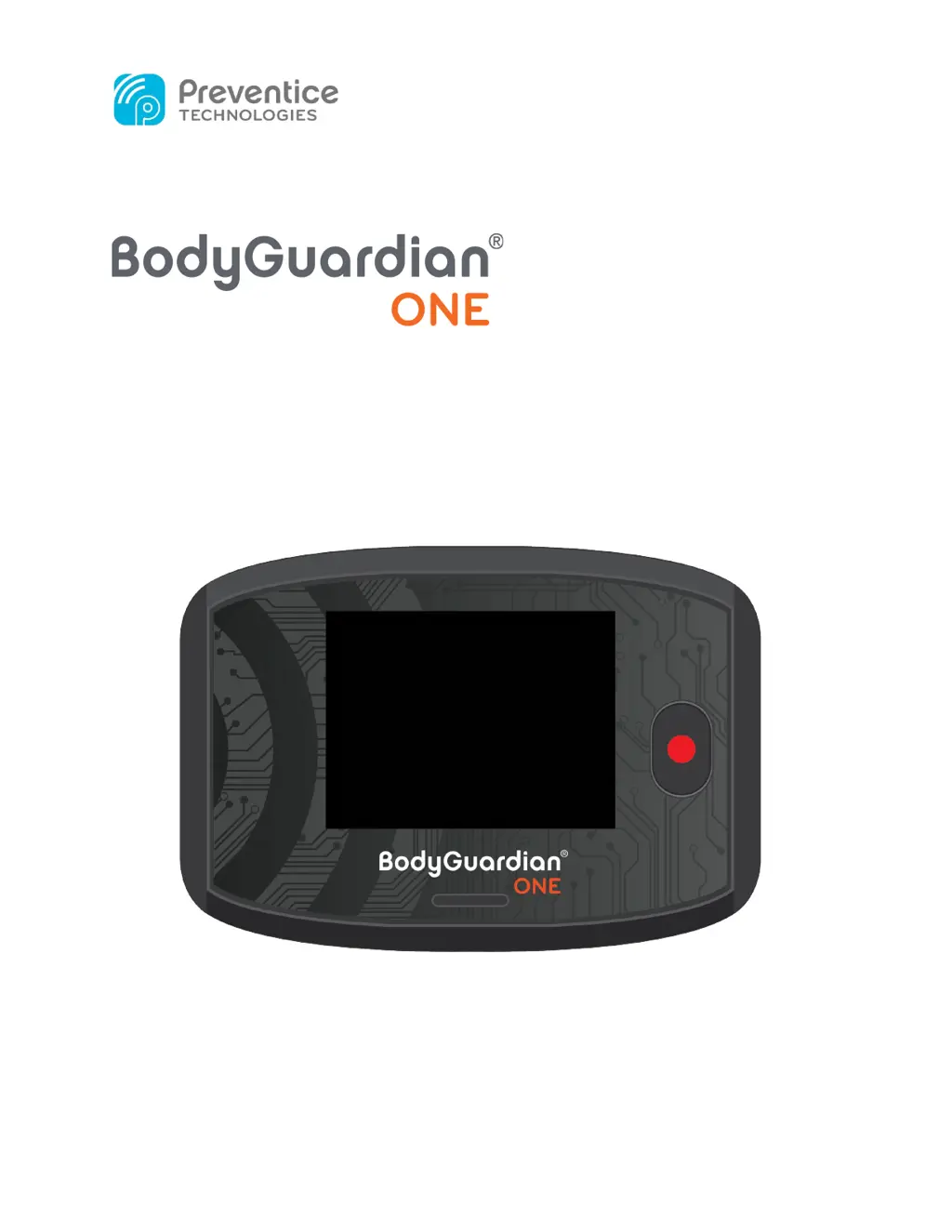
About BodyGuardian One

Provides details on the BodyGuardian One's function as a portable, battery-powered, wireless cardiac monitor.

BodyGuardian One Menu Options

Device Information (INFO)

Accesses device serial number, software version, SIM card ID, IMEI ID, and firmware version number.

Flight Mode Operation

Disables network connectivity to prevent data transmission while ECG recording continues.

Sound Alert Control

Toggles audible chime alerts on or off for the device.

Getting Started

Skin Preparation for Electrode Placement

Instructions for preparing the skin by removing hair, cleaning with soap and water, and avoiding lotions.

Attaching ECG Electrodes

Attaching Electrodes to Lead Wires

Step-by-step guide on snapping ECG electrodes onto the five colored leads.

Electrode Placement on Chest

Guidance on applying electrodes to clean skin, avoiding irritations, and specific placement for leads.

Routing Lead Wires

Powering On the Monitor

Connecting the Lead Set

Initiating ECG Recording

Daily Usage: Recording Symptoms

Charging the BodyGuardian One

Replacing ECG Electrodes

Usage Restrictions

Showering, Bathing, Swimming

Warning that the device is not waterproof and requires removal during water activities.

MRI Safety Precautions

Instruction to remove the monitor, lead wires, and electrodes before undergoing an MRI.

Air Travel Guidelines

Note that the monitor cannot be worn on aircraft and its operation outside the US.

Device Features

Touchscreen Dimming Behavior

Explanation that the touchscreen dims to conserve battery and how to reactivate it.

Maintenance and Service

Cleaning the Monitor and Cables

Instructions on how to clean the monitor and ECG lead cables using mild detergent and water.

Service and Support

Troubleshooting Common Issues

Indications for Use

Contraindications for Use

Important Precautions

Appendix A: Symbols Reference

Appendix B: Technical Specifications

Appendix C: Wireless Compliance

Appendix D: Arrhythmia Detection Performance

Appendix E: Lithium-Ion Battery Handling

Preventice Technologies BodyGuardian One Specifications

General IconGeneral
CategoryMedical Equipment
Wireless ConnectivityBluetooth
Battery LifeUp to 7 days
SizeCompact
Data TransmissionReal-time
Dimensions50mm x 30mm x 10mm
Weight25 grams
ECG ChannelsSingle-channel ECG