10 11
PCM - INTERIOR AND PERIMETER ZONES COOLING AND HEATING - Manual
|
priceindustries.com priceindustries.com
|
PCM - INTERIOR AND PERIMETER ZONES COOLING AND HEATING - Manual
PCM - INTERIOR AND PERIMETER ZONES COOLING AND HEATINGPCM - INTERIOR AND PERIMETER ZONES COOLING AND HEATING
DISPLAY NAVIGATIONDISPLAY NAVIGATION
Initial Startup
(LCD & Motion Thermostat only)
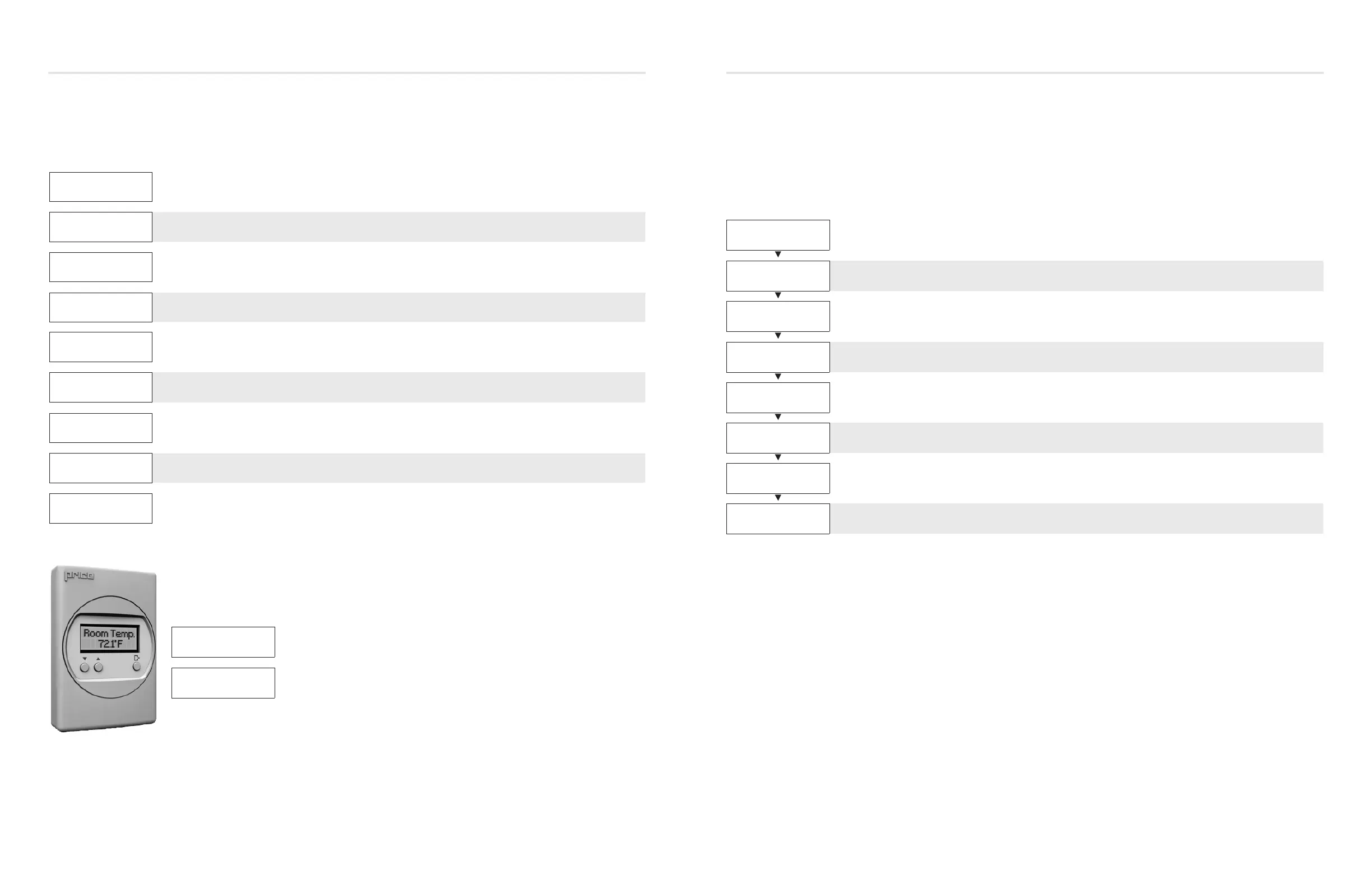
When the LCD thermostat is powered from the PCM, it will display the following information:
Changing the Setpoint – LCD & Motion Thermostat only
Day Setpoint Adjustment. Increase and decrease push buttons for Day Setpoint adjustment
PRICE ELECTRONICS
Start-up screen
LCD THERMOSTAT
STANDARD MODEL
Standard/Motion Model
LCD THERMOSTAT
VERSION X.XX
Displays firmware version of thermostat
LOADING:
INITIALIZING
Loading parameters
PCM
VERSION X.XX
Controller type and controller firmware version
SEQUENCE
XXXX
Displays sequence programmed into stat
NOTE: a sequence number of 0 means the stat has NOT been calibrated
MAC ADDRESS
XXX
Displays current MAC Address
DEVICE INST.
XXXXXXX
Displays current Device Instance
ROOM TEMP.
75.0°F
(For example)
DAY SETPOINT
75.0°F
DAY SETPOINT
SAVING...
Service Menu
(LCD & Motion Thermostat only)
The Service menu allows the balancer/installer to access to the controller setup to change settings.
For example setting flows, heating outputs, etc.
Hold ‘Enter Menu’ button for 5 seconds. Display will show ‘Passcode:’
Use ‘Up’ and ‘Down’ buttons to enter this passcode: Down - Up - Up - Down.
BALANCING • Allows you to force damper open/close/min/max
VVT • Allows you to set limits (%) in VVT mode
SETPOINT
• Setup of Setpoint limits (day minimum/maximum)
• °F / °C selection
INPUT
• Shows thermistor reading
• Allows setting of HCCO if desired
OUTPUT
• Allows setup of auxiliary binary and analog outputs
• Allows setup of room light output (motion stat only)
ADDRESS
• Allows setup of BACnet addresses
• MAC address, Device Instance Baud Rate
STAT SETUP
• Allows setup of LCD back lighting, sounds, motion sensor
• Adjustment of HVAC and room lighting timeouts
PRESS MENU
TO EXIT
• This will exit the Service Menu if you press the Enter/Menu button
• NOTE: Service menu will automatically time out after 20 seconds


 To Next Page