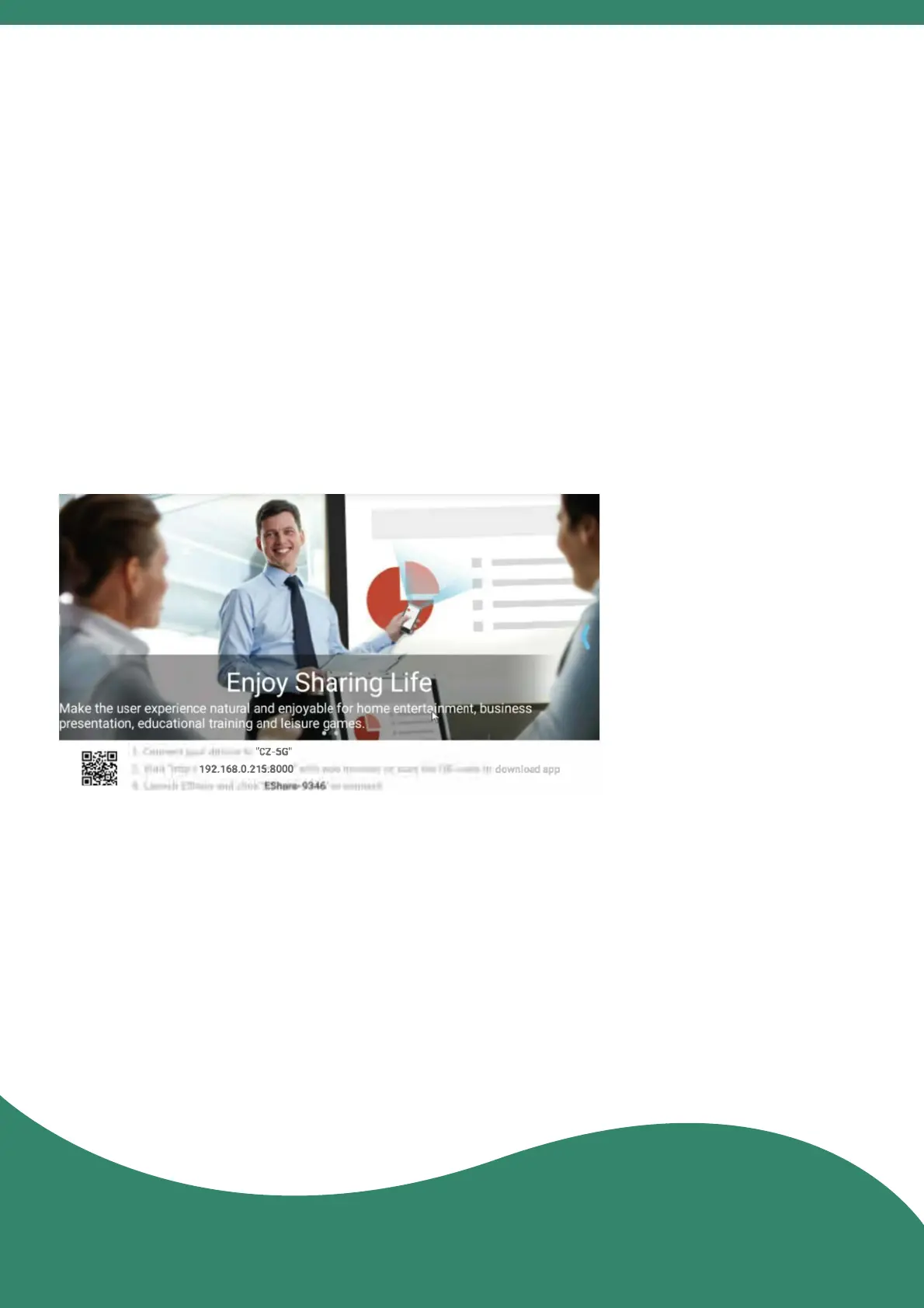
12. Share Screen
8
The phone and the projector are connected to the same
network, or in the absence of a network, the phone is
connected to the hotspot of the projector.
(Details of the hotspot seng method, see 10.)
Enter the APP "EShareServer" on the projector and follow
the steps of the screen.
Miracast(for Android system):
a. The phone and the projector are connected to the same
network.
b. Enter the APP "Miracast" on the projector.
c. Enter "Sengs" > "More" > "Wireless Display" on the
phone, and click the name of the device lo match.
Method one: need to download the APP
(recommended for iPhone/iPad/Windows/Android)
Method two: no need to download the APP



 To Next Page