11
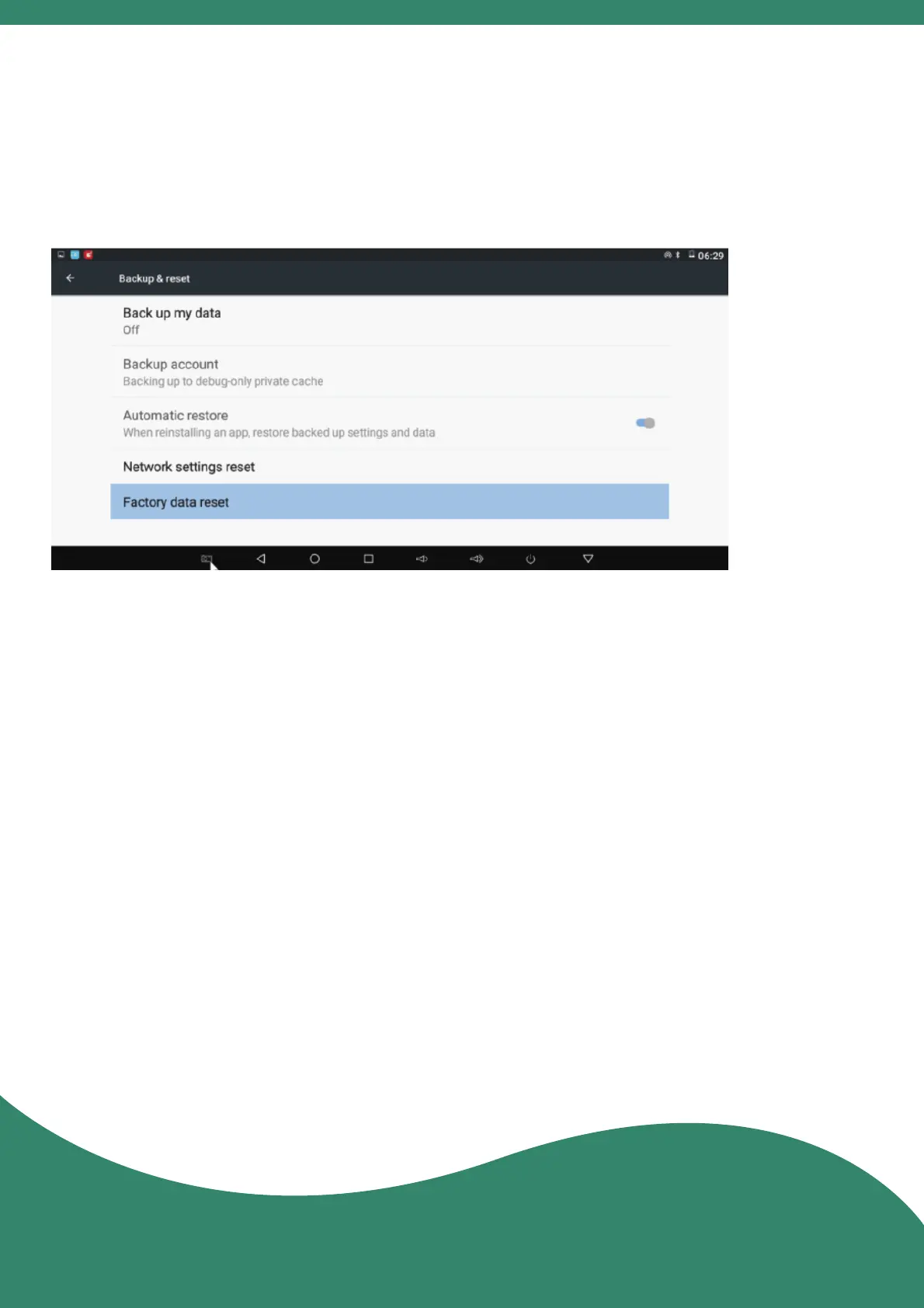
15. Factory Data Reset
16. Notes
Enter "Sengs" > "Other Seng" > "Backup & reset" >
"Factory data reset" > "RESET MBX".
• Make sure to use a standard power adapter. Other
adapters may cause serious damage to the projector.
• Please keep the lens clean, dirt or scratches will affect
the projecon effect.
• Before you clean the projector, disconnect the power
supply, clean it with a clean coon wool or soh cloth,
and then wipe off the residual moisture with a dry cloth.
• Do not place or drop hard objects on the projector.
• Do not place the projector on your legs or any part of your
body to prevent injury from the heat.
• Avoid using the projector during weather of high humidity
or thunderstorms.



 To Next Page