10
14. App Install/Uninstall
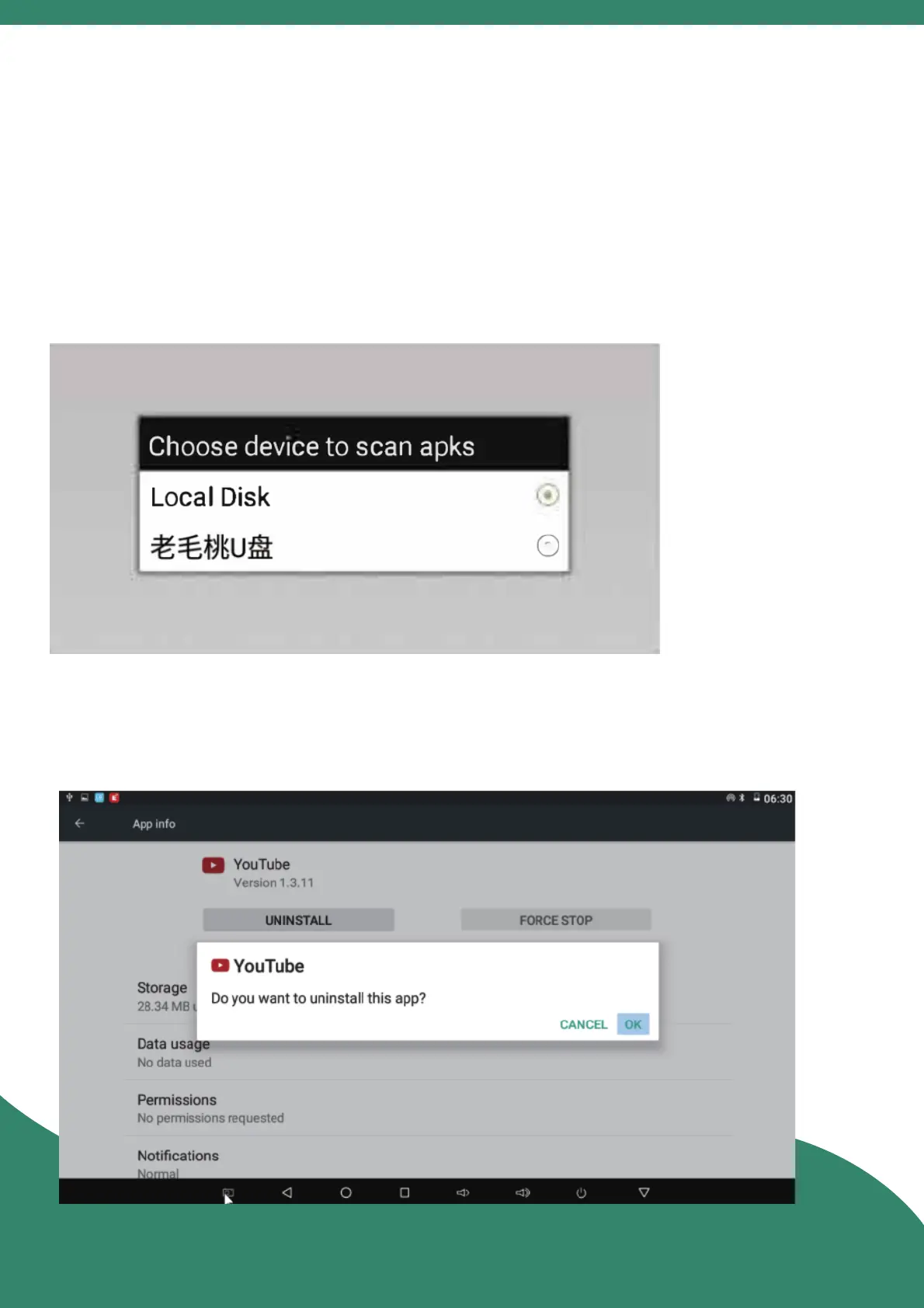
APP Install : If the APK Downloaded, enter the "App Center''
> "App Installer", find the locaon of the APK, click and
install it; If the APK is not downloaded, you can download
and install it in the "Google Play".
APP Uninstall : Enter "Sengs" > "Other Seng" >"Apps",
click the App that needs to be uninstalled.



 To Next Page