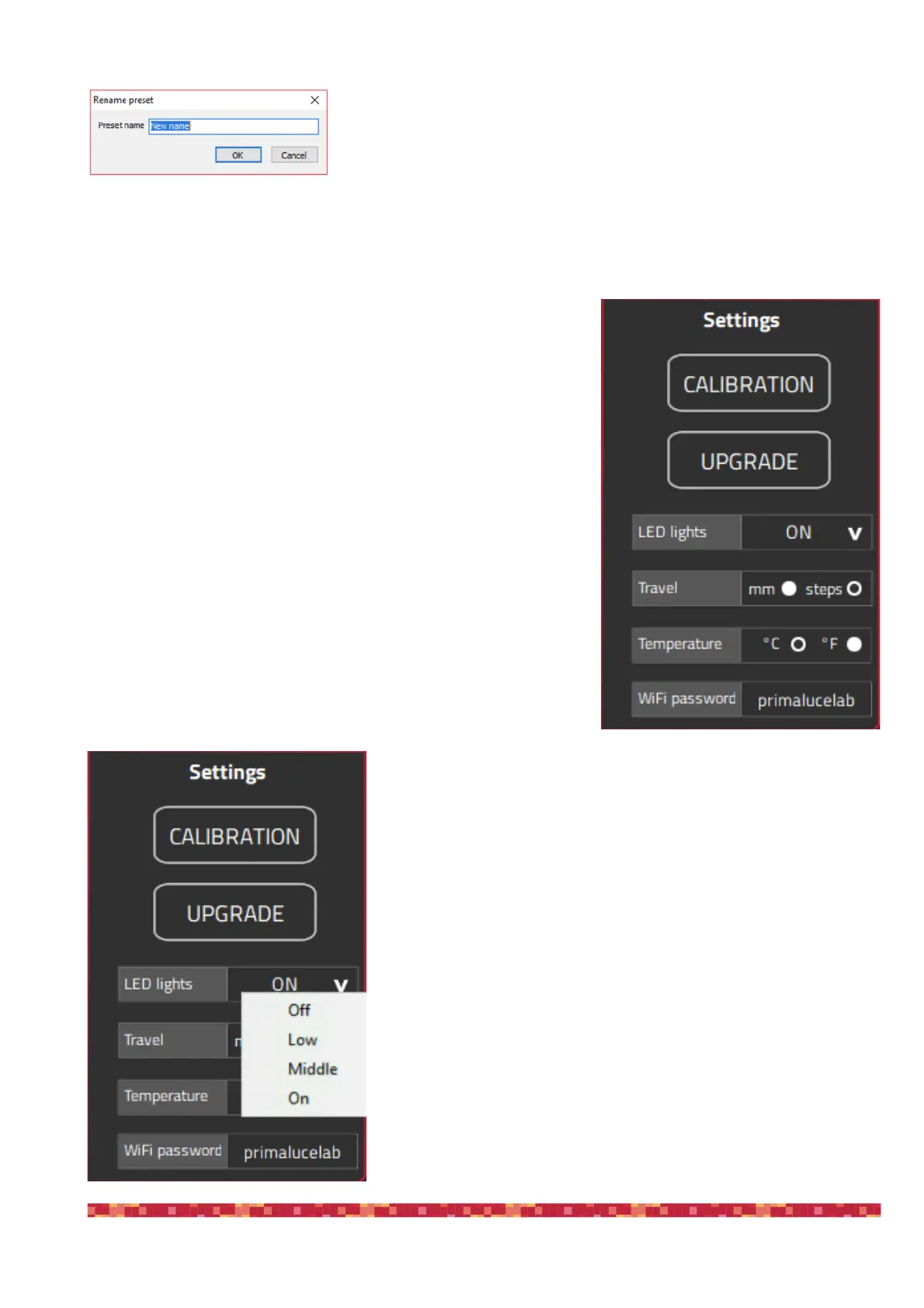
In order to change the name of the button, you can make a right click of the
mouse on the button and choose “Rename”.
If you want to delete a pre saved position, you can make a right click of the mouse on the button and choose “Dele-
te”. If you want to change the value of a saved button, you have to delete it first and then save the value as a new
button.
To the right of the FOCUSER Manager window you can find the settings
of the focuser. Here you can set the intensity of the LED lights, the tra-
vel measurement units in mm or steps, the temperature to be visualized
in °C (Celsius) or °F (Fahrenheit) and change the WiFi password to ac-
cess and control ESATTO from a smartphone or tablet.
ESATTO allows you to change the intensity of theLED lights, even allo-
wing you to turn them off completely (please note, if you turn them off
you won’t be able to check the ESATTO status without controlling it via
the provided software).
In order to change the LED light intensity, left-click on the arrow to the
right of the “LED lights” option and set the value you prefer. LED status
will be automatically stored in the ESATTO memory.


 To Next Page