>
3
Using the A10 Integrated Amplifier
This chapter explains how to operate the A10 Integrated Amplifier, using either
the front panel controls or the C30 Remote Control.
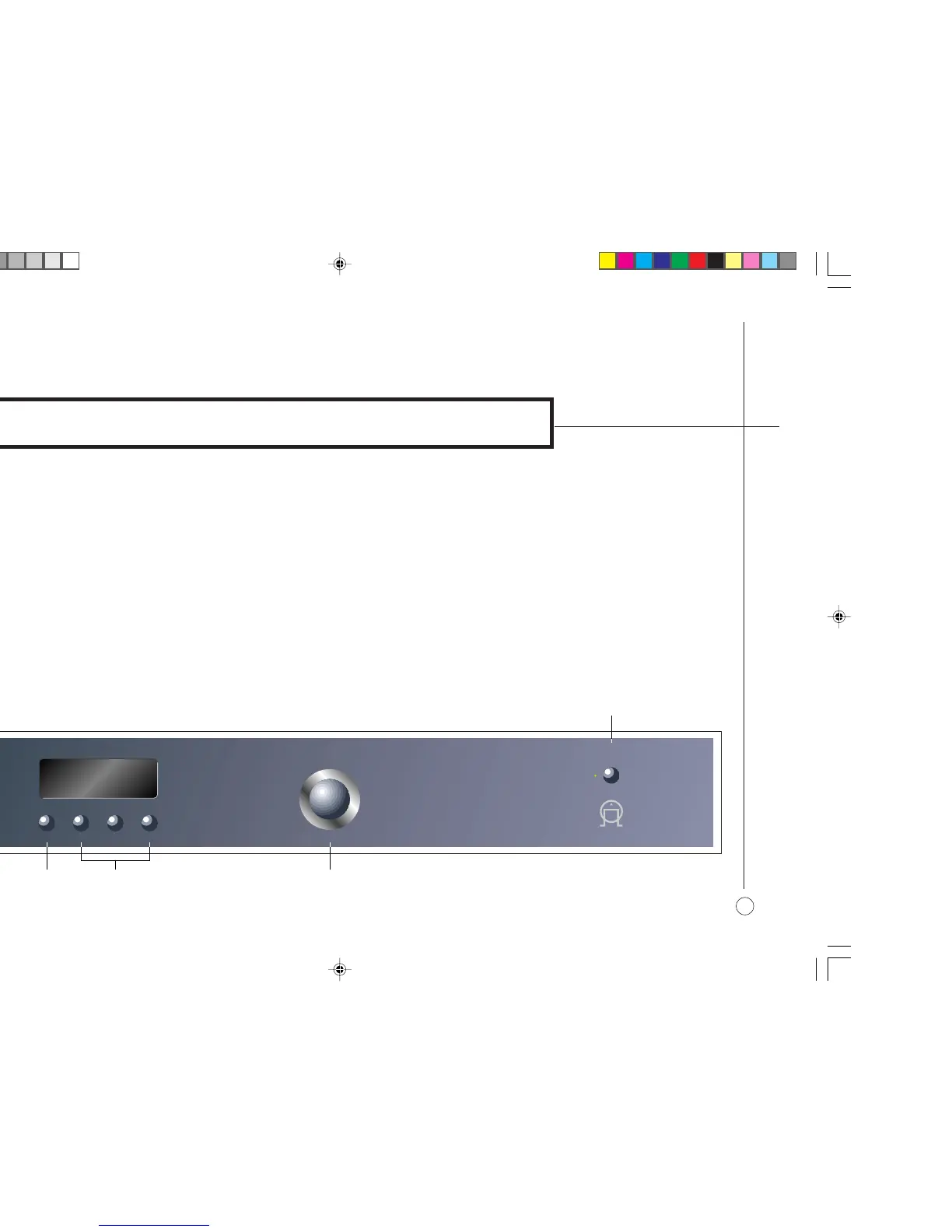
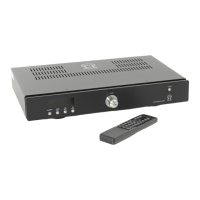
]A The STANDBY button switches the A10 to standby, or switches it on
from standby.
]B The MONITOR button switches the tape monitor on or off.
]C The input selector buttons select one of the five source inputs, or the tape
input.
]D The VOLUME control changes the volume.
FRONT PANEL CONTROLS
All the functions of the A10 Integrated Amplifier can be accessed using the five
front panel push buttons and volume control, and information about its
operation is displayed on the front panel display:
57
A
MONITOR
VOLUME
TUNER
AUX1
TAP E
AUX2
CD
AUX3
CD
P30 PROCESSOR
P30 PROCESSOR
STANDBY
PRIMARE
]B
]C ]D
]A


 To Next Page