>
Using the A10 Integrated Amplifier
6
MAKING RECORDINGS
The A10 Integrated Amplifier allows you to make a recording of any source to
the tape output. If your tape recorder provides a monitor output you can
compare the recording to the original source (A-B monitoring).
To make a recording
• Connect the TAPE OUT sockets to your recorder inputs.
• Select the source you want to record.
To monitor the recording
• Connect the tape recorder monitor output to the A10 TAPE IN sockets.
• Press the MONITOR button on the front panel to switch between the
monitor output and the original source.
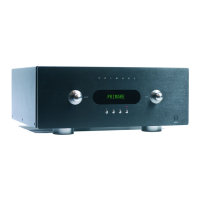
When the monitor output is selected an indicator is shown on the front panel
display.
For example:
24
A
CD
The MONITOR button has no effect when the TAPE source is selected.


 To Next Page