Welcome
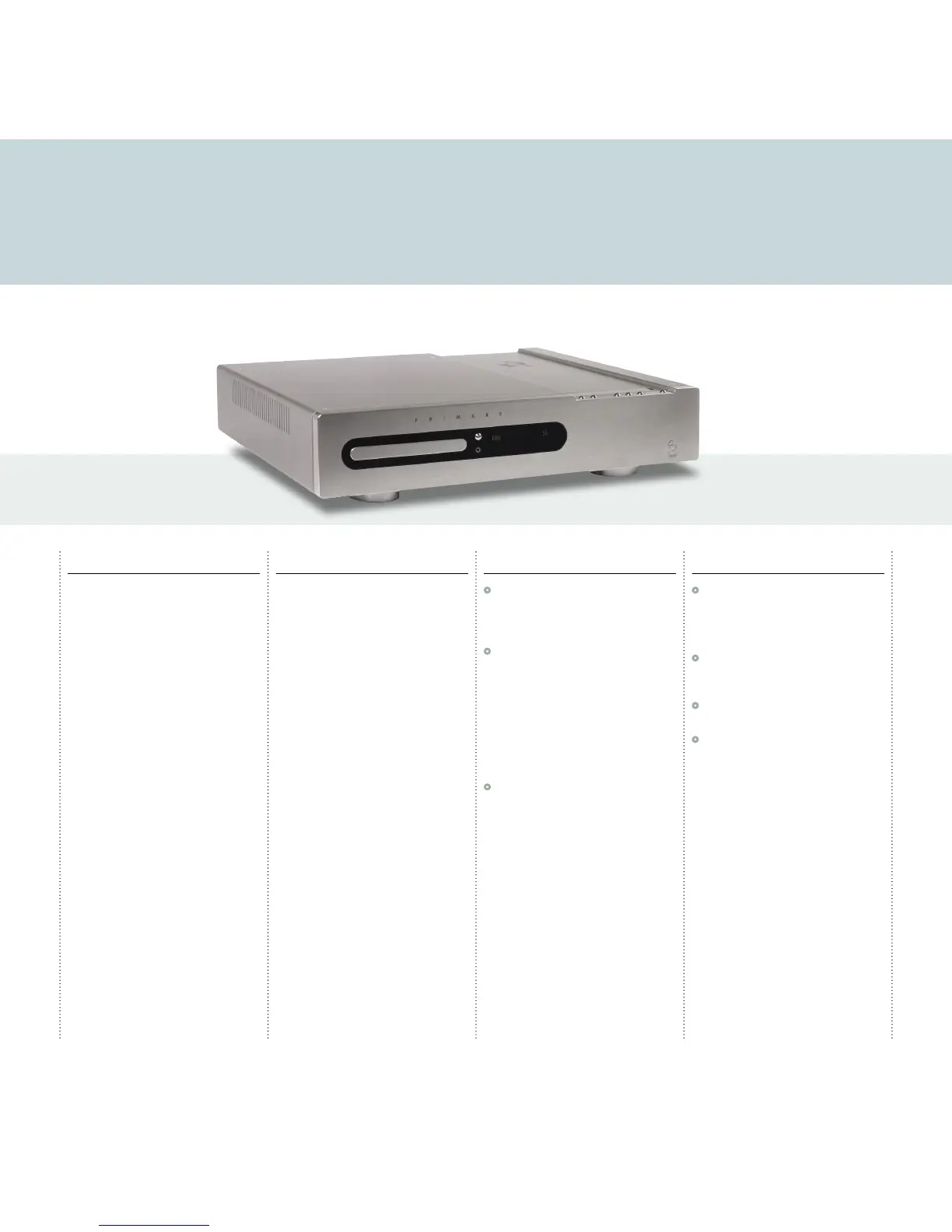
Welcome to the Primare CDI10! Your CDI10 is a combined CD player, FM/DAB receiver, and power amplifier in a single convenient
unit. Here is how to set up your CDI10 in four simple steps:
1 Unpack the CDI10
Your CDI10 is supplied with the following
components:
•
Mains cable.
•
CDI10 remote control.
•
Two batteries for the remote control.
If any of these items are missing please contact
your supplier. We recommend you retain the
packaging in case you need to transport the unit at
a later date.
2 Connect speakers
The CDI10 is designed to be connected directly
to a pair of loudspeakers of 8
Ω impedance. The
terminals can accept speaker cables terminated
with spade terminals or bare wires.
For more information see
Speakers
, page 3.
3 Connect power
•
Plug one end of the mains cable supplied with
the CDI10 into the power connector on the
back panel, and connect the other end to a
wall socket.
•
Switch on the CDI10, using the switch under
the front panel below the CDI10 logo at the
right-hand end of the front panel.
The display will show:
Warming up...
The display will then go blank apart from a standby
indicator next to the rightmost button on the top
edge of the front panel.
•
Press this button to switch on the CDI10.
The button indicators will light up.
These show the function of each of the six buttons
along the top edge of the front panel.
4 Play a CD
•
Press the Open button to the right of the CD
tray in the centre of the front panel.
The CD source will automatically be selected, and
the CD tray will open to allow you to insert a CD.
•
Place a CD in the tray, label uppermost, and
gently press the tray to close it, or press the
Open button again.
•
Press the */> button on the top right-hand
edge of the CDI10 to start playing the CD.
•
Use the " volume buttons to increase or
decrease the volume.
For more information about playing a CD, see
Using the CDI10
, page 4.



 To Next Page