20
5. INDICATIONS FOR THE FINAL USER
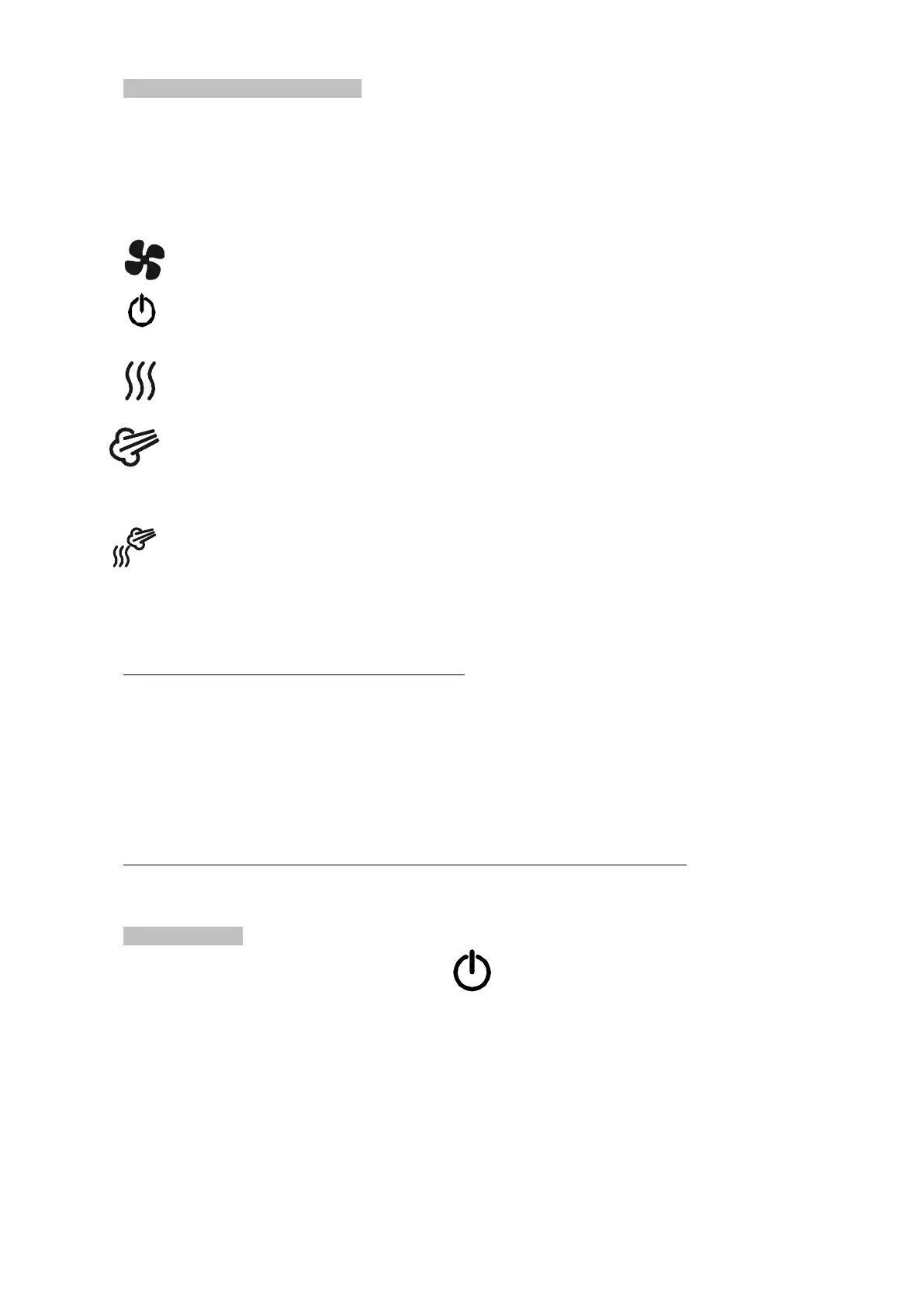
POWER (green light): is lightned when the oven is under electrical tension
ALARM (red light): safety thermostat has stopped the cooking cycle.
In order to reactivate it you have to action the RE-START button (on the back side of the oven for electric models and under the control panel for
the gas models)
HEATING (orange light): the oven’s resistance is heating
TYPE COOKING SELECTION:
- cooling: The cooling has to be manually stopped infact if you open the door the fan doesn’t stop to run
Cooling is in function only if the timer (5) is on 0 position , that is switched off.
- Off: there is no running cooking
- convection: select the temperature (4),then you have to select the time, so the orange led will light, (heating ‘2’)
During this cooking you can also use the humidification (6) and the vent (7).
- steam (water 100%) : in this type of cooking you can’t use humidity (6)
You can select the cooking time with the timer (5).
You can select the temperature with the thermostat of temperature (4)
You can press the button of the vent (7)
Not exceed 120° C when you use this type of cooking.
- convention-steam (water 25%): with this type of cooking you can’t use humidity (6)
You can select the cooking time with the timer (5).
You can select the temperature with the thermostat of temperature (4)
You can press the button of the vent (7)
4. TEMPERATURE THERMOSTAT: rotating the knob from 0 °C clockwise towards 2.HEATING the oven begins to heat; the range is 50 °C- 270 °C.
You can change temperature in every moment of a cooking cycle.
ATTENTION: COOKING STARTS ONLY WHEN YOU SELECT THE TIME
5. TIMER OF COOKING TIME: range IS FROM 0 to 120 minutes. When the cooking time is finished and the timer is on 0 position, the buzzer
begins to sound. The cooking starts only when you select the time. You can change time in every moment during a cooking. With the timer in 0
position the oven is switched off: 2.HEATING switched off and humidification.
If you decide to cook without select the time you can position the knob on the symbol ∞: cooking will continue until you’ll position the knob
on ‘’0’’ position (stop).
6. HUMIDITY SELECTION: rotating the knob clockwise humidity will put in cooking chamber; if you want less humidity you have to ratate the
knob anti-clockwise.
YOU HAVE TO AVOID USING HUMIDITY WHEN THE TEMPERATURE OF THE COOKING CHAMBER IS VERY HIGH.
7. STEAM VENT : by pressing the red button for a second , you’ll open the vent of the oven (red light lightned).
By pressing the red button again you’ll close the vent (red light switched off)
6. SWITCHING OFF
To switched off the oven you have to position the knob in .



 To Next Page