12 Software and Hardware Set-Up
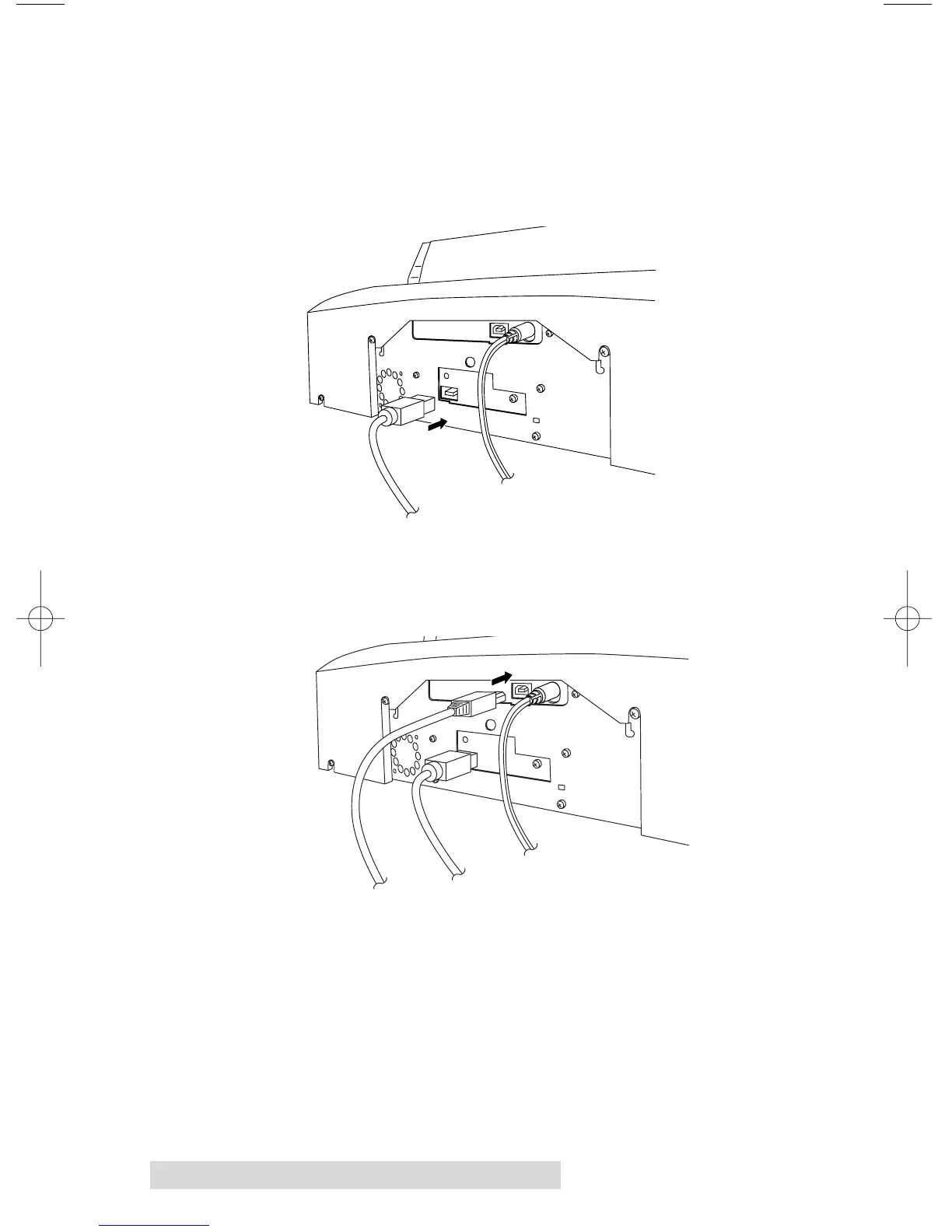
Step 4: Connecting the FireWire Cable
The black IEEE 1394 FireWire cable carries the data that will be
sent to the recorder when producing discs. Connect the 6 Pin
FireWire cable included with your Publisher. Connect the other
end to the FireWire board's output port on your computer.
Step 5: Connecting the USB Cable
Connect the Publisher to your computer with the beige
USB Cable.
For optimal quality, it is recommended that you run the
Configuration Utility as described in the following section.














 To Next Page