Software and Hardware Set-Up 13
C. CONFIGURATION UTILITY
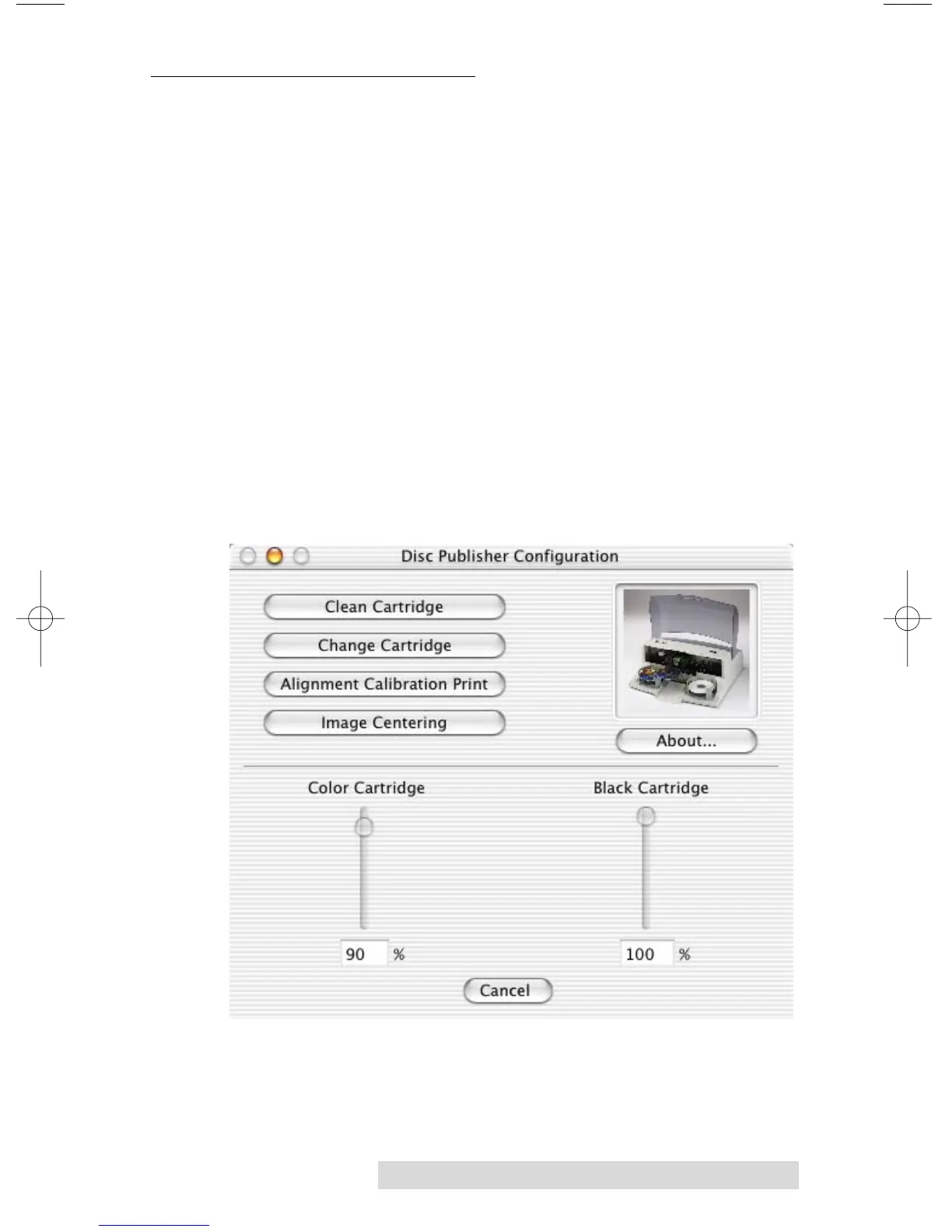
The Configuration Utility is a program that installs with your
Bravo software. This utility allows you to monitor ink levels,
maintain and calibrate ink cartridges and align printing on the
disc. The Configuration Utility can be launched from the Print
Center in OSX by doing the following:
1. Click the Finder
2. Click the Applications Icon
3. Scroll to Print Center
4. Highlight the Disc Publisher and click the Configure Icon
You can also launch the Configuration Utility from the Disc
Publisher printer settings in any printing application by
clicking File then Print and selecting Publisher Settings.
In Publisher Settings you will find a button to launch the
Configuration Utility. When launched, the following
pane appears:














 To Next Page