24 Creating Discs
correct CD-RW Recorder is selected, if it's not, select it
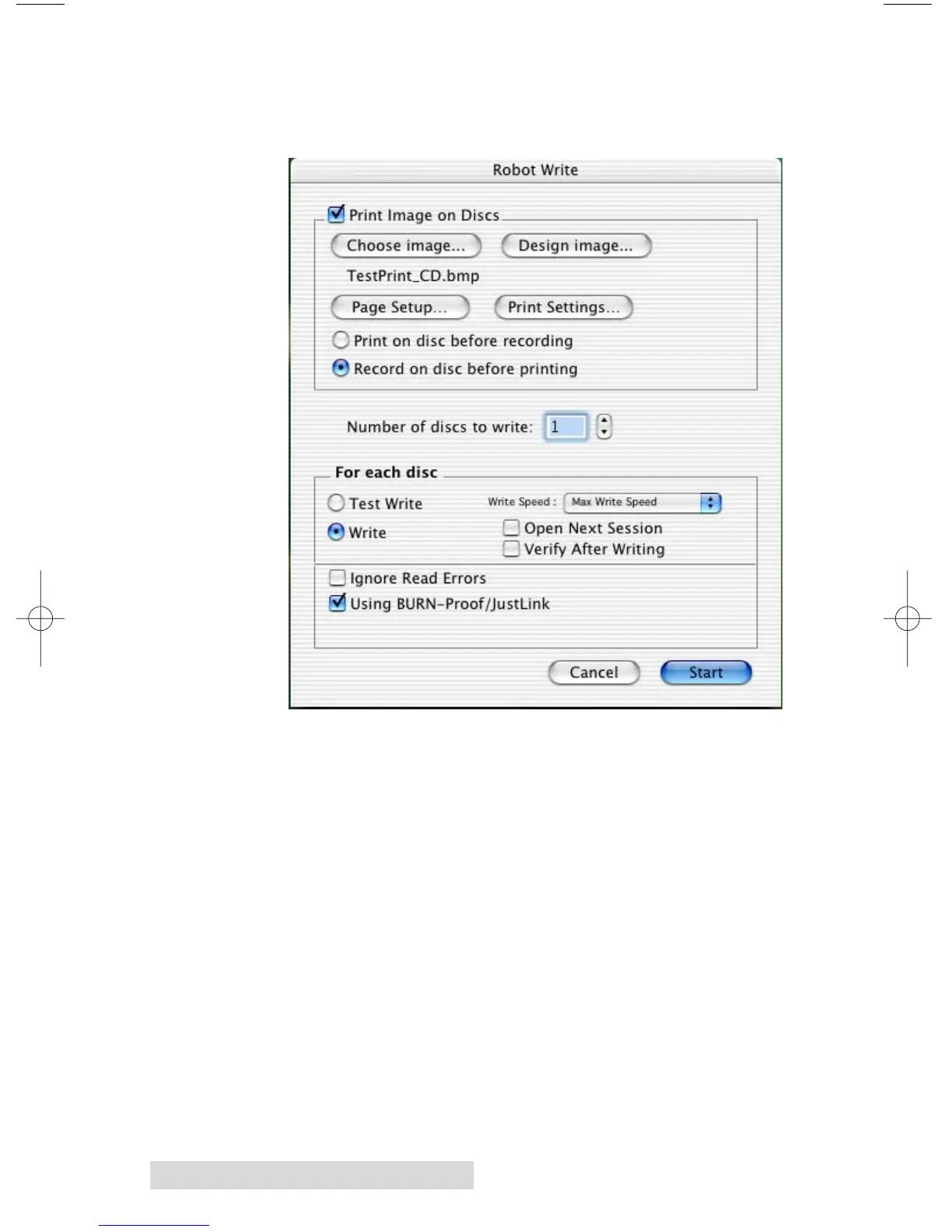
from the Recorder pop-up menu, then click the Robot
Write ... button.
It is important to use the Robot Write Disc instead of Write Disc if
you want the Bravo to automatically load and unload discs. You will
be presented with a Write Options window. The Robot Write
Options window contains choices for the following:
• Print Image on discs
This check box will enable printing.
• Choose image...
Pressing this button will launch a window to select the
image you wish to print.














 To Next Page