12
“D:\”), change the “A” in the white box to the correct letter.
5. Once the date/time data is correct and you’ve selected your SD
card location, click OK to save the text le.
6. Remove the SD card (eject it rst if necessary) and insert it into
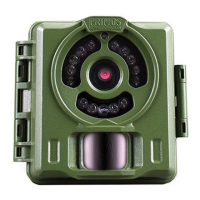
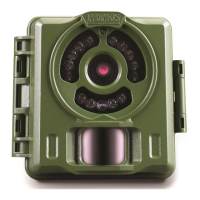
your BULLET PROOF Game Camera (label side up as previously
described). The date and time data will be automatically loaded
into the camera, and the text le (txt) will be deleted. It is
important to get the card from computer to camera as soon
as possible to ensure the initial time is still accurate.
Setting Up The Date & Time Imprint Feature
For Mac Users
Since the Timetool software built into the camera is Windows only, you
will need to create a compatible text le using your Mac, save it on an SD
card and load it into the camera. This only needs to be done once, unless
the camera’s batteries are not replaced before they are completely dead.
1. Insert a new, unused SD card (up to 32GB) into a compatible USB
card reader connected to your Mac (most Mac laptops have an
SD card slot built-in, please consult your computer manual if
necessary).
2. Open the TextEdit application on your Mac. This is the default
simple text editing program included with the Mac operating
system. A quick way to locate and open it is to click the
“magnifying glass” icon at the top right of your screen (Spotlight)
and type “text edit”-you will see it listed under “Application”-click
the “TextEdit” line to open it.
3. In the blank TextEdit window, type (only) the current date and
time using this format: “TIME”YYYYMMDDHHMM (include the
word “TIME” with quote marks. Do not add spaces, hyphens or
slashes. Do not use bold type). For example, if the current date is
October 6, 2015 and the time is 10:38 AM, you would enter this:
“TIME”201510061038. Note that the time format is 24 hour, not
12, so enter the hour of 1:00 PM as “13”, etc.
4. Under the File menu in TextEdit, select “Save As”, and select the
SD card slot or reader as the save location. If you don’t see it in the
“Where” list, click the down arrow to the right of “Save As” to see
Primos63162WM_12MPBulletProofCam_WalmartSMU_1LIM.indd 12 3/9/17 1:40 PM


 To Next Page