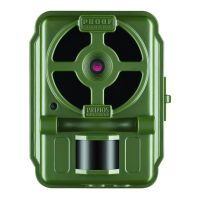
14
SET UP
1. Mount the Camera
It is recommended that you mount the camera about 3 or 4 feet (0.9~1.2
meters) o the ground, with the camera pointed at a slight downward
angle. It’s best to avoid mounting the camera facing east or west as the
rising and setting of the sun could produce false triggers and overexposed
images. Clear branches and other debris away from the front of the
camera so as not to block the camera lens or PIR sensor.
To mount the camera in place, insert the strap through the strap slots on
the rear housing. Wrap the strap around the mounting surface. Secure
the strap and tighten the buckle in order to secure the camera.
Make sure that both of the camera’s latches are securely locked in place,
to ensure proper weather resistance.
2. Power On the Camera
If both SD card and batteries are good, the camera will begin taking
photos 10 seconds after you move the switch to to PIC or MOV, whenever
it is triggered by the PIR sensor’s heat/motion detection. Each time the
PIR sensor is triggered, the camera will take a new photo following a 10
second delay. For the rst three minute of operation, the PIR indicator will
glow for about 3 seconds when it senses animal or human activity within
the PIR coverage area. See “Test the Coverage Area” below.
3. Test the Coverage Area
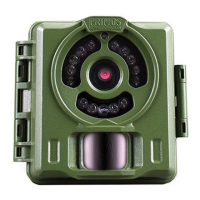
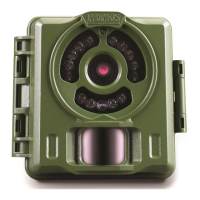
One of the BULLET PROOF Game Camera’s most useful features is the
ability to test the coverage area.
• After mounting the camera, open the front housing and slide the
Power switch to the “ON” position.
• The PIR indicator LED below the lens will glow for 3 seconds when
you trigger the PIR by entering the coverage area.
• Adjust the camera position as needed and repeat the test until the
desired coverage area is achieved.
• After three minutes, the PIR indicator will not glow when you are
Primos63162WM_12MPBulletProofCam_WalmartSMU_1LIM.indd 14 3/9/17 1:40 PM


 To Next Page