13
a complete list of Devices-the SD card should be on there. Make
sure the File Format is “Rich Text Format” (.rtf). Name the TextEdit
le “TIMESYNC” and click Save to save it to the SD card.
5. Eject the SD card (right click, select “Eject (name of card)_”, and
wait for the card icon to disappear from your Mac desktop).
6. Make sure the Primos cam’s power switch is o. Insert the SD card
into the camera’s card slot, then switch on the camera. Test the
date imprint by waving a hand in front of the camera a few times
during a minute or two.
7. Switch o the camera and remove the card. Insert the card in
your Mac’s card slot or USB card reader. Double click to view
the card contents. The .jpg photos or .avi videos are in the DCIM
folder. Open a few to verify that the correct date and time are
being imprinted at the bottom of each photo.
8. If the correct date and time are not imprinted on the photos,
repeat these steps exactly as written. The SD card can be
reformatted (erasing all previous contents) on your Mac by using
the default Disc Utility app. Select the name of the card, select
“Erase” and select the Format “MS-DOS (FAT), then click “Erase…”
POWER ON
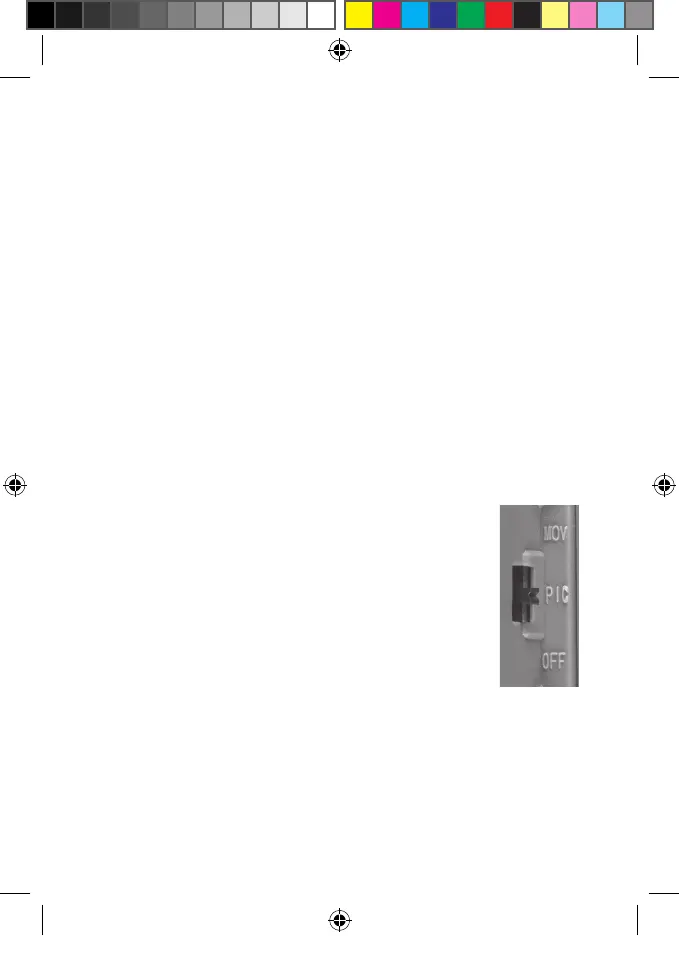
After inserting batteries and an SD card (w/date & time le
at your option), slide the power switch to the PIC (Picture)
position if you wish to capture still photos, or all the way
up to the MOV (Movie) position if you prefer to capture
videos.
The PIR indicator (red LED) is used to warn of problems
with the SD card or battery.
• If the red light ashes rapidly for 10 seconds, there is
a problem with the SD card. Check the card (make sure it’s inserted
correctly and protect switch is not locked) or try a dierent card.
• If the red light stays on for 20 seconds, the battery level is low-insert
fresh batteries.
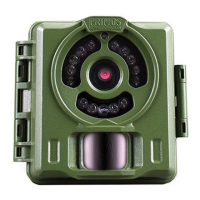
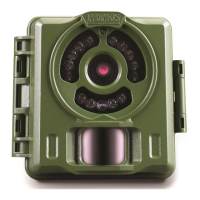
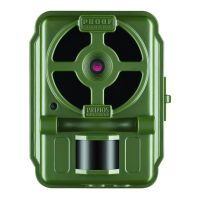
To capture photos/videos of activity in the area you choose to locate your
Primos BULLET PROOF Game Camera, follow the steps listed below in
“SET UP”:
Primos63162WM_12MPBulletProofCam_WalmartSMU_1LIM.indd 13 3/9/17 1:40 PM


 To Next Page