11
2
4
3
1
DATE AND TIME IMPRINT FEATURE
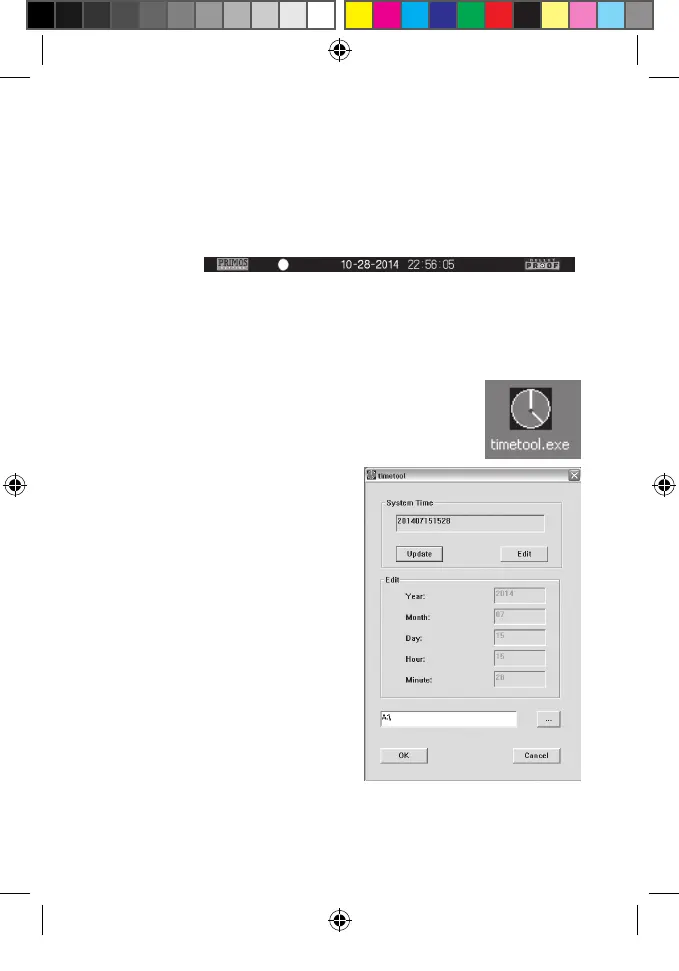
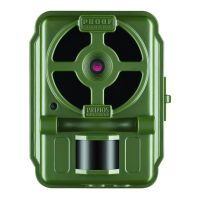
Your Digital BULLET PROOF Game Camera will automatically imprint the
date, time and moon phase on each photo it captures, based on the initial
date and time data in a text le you can generate and save on the SD
card, as described below. If no text le with date/time is found on the
card when the camera is turned on, only “Primos” will be imprinted on
the photos.
Requirements:
• A PC computer with an internal SD card slot, or an external USB
card reader.
• The “Timetool” application (Windows only), which is provided by
the camera-see details below.
Steps:
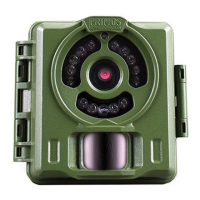
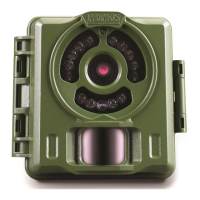
1. Insert a new SD card in the camera’s card slot.
Switch the BULLET PROOF Game Camera to “ON”.
The “Timetool.exe” software
will be automatically saved
to the card.
2. Turn o the camera and
remove the SD card. Insert
the card in your computer’s
SD card slot or a compatible
USB connected card reader.
View the SD card contents-
double click to open the le
“timetool.exe”.
3. Click “Update” in the Timetool
window to automatically ll
in the date and time from
your computer’s clock. If this
is not the correct date and
time, click “Edit” and make
changes as needed.
4. Click the “...” button above Cancel and select the SD card location
(drive letter). Or, if you know the drive letter for the SD card (e.g.
Primos63162WM_12MPBulletProofCam_WalmartSMU_1LIM.indd 11 3/9/17 1:40 PM


 To Next Page