Printing Bar Codes
Page B-10
Relative Vertical Tab
The sequence used to skip vertical space is
^Jttd
^J Two Character Sequence Identifier for
Relative Vertical Tab.
ttd Vertical Distance, in Tenth Inches plus Dots.
Range of tt is 00 to 99 (0.0 to 9.9 inches).
Range of d is 0 to F (0 to 15 dots).
The distance specified is relative to the current vertical position.
Example:
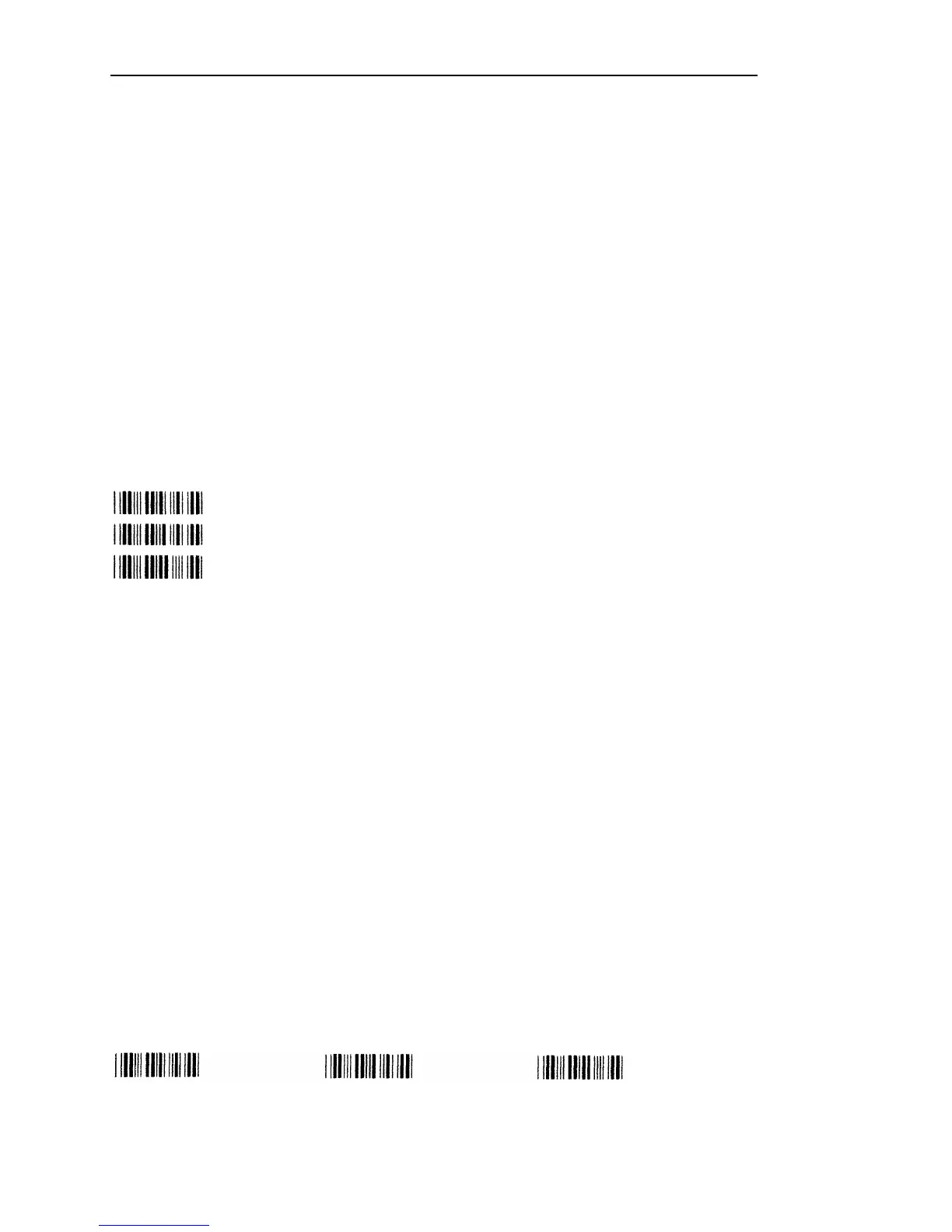
To print multiple bar codes down the page. Each bar code is 0.2 inches high, and is
separated from other bar codes by 0.1 inch of white space.
^H02^BNd01^G^-^J010^BNd02^G^-^J010^BNd03^G^-
Absolute Horizontal Tab
The sequence used for horizontal positioning is
^Ttttd
^T Two Character Sequence Identifier for
Absolute Horizontal Tab.
tttd Horizontal Distance, in Tenth Inches plus Dots.
Range of ttt is 000 to 136 (00.0 to 13.6 inches).
Range of d is 0 to F (0 to 15 dots).
The horizontal position specified is an absolute distance, with respect to the left edge
of the paper. Remember that a tenth of an inch is actually 14/144ths of an inch, so the
actual distance tabbed may be slightly shorter than expected.
Example:
To print multiple bar codes across the page. Bar codes are printed approximately 0,
2, and 4 inches from the left edge of the paper.
^H02^BNd01^G^T0200^BNd02^G^T0400^BNd03^G^-



 To Next Page