www.probuilttools.com
7
INITIAL SETUP GUIDE
Models: PB2000, PB-Mycro, PB2400ES, PB3600ES
Upon inial receipt of your equipment, first check that your shipment has arrived intact. Please note any
physical damages to the shipping box and/or equipment. Any such damages should be reported
immediately so that a shipping claim can be made.
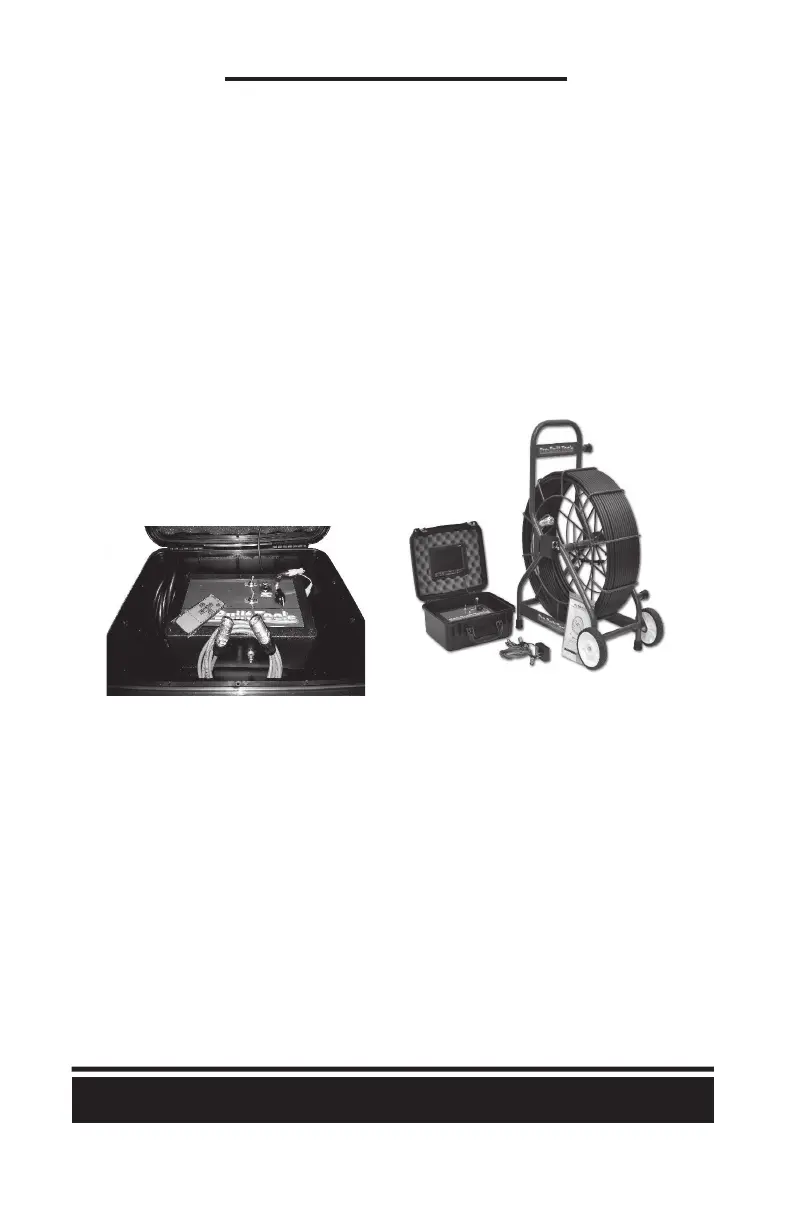
Package contents (not including any upgrades) are as follows:
1) Sewer Camera Reel with Camera Head Installed (Sonde is located in the spring behind the head)
2) Control Box
a) Main Controller
b) Power Supply/Cord
c) 7” Color LCD with Remote
d) 6’ Reel to Controller Patch Cable
Equipment check & basic startup instrucons:
1) Plug the 6’ Reel to Controller Patch cable from the reel to the controller (both sides idencal)
a) Line up the notch in the cable housing end to the push-tab on the RJ45 Receptacle
b) Push the connectors in on each end to lock
2) Plug Power Supply/Cord into 110v-240v AC wall receptacle
3) Check that a Yellow RCA plug is routed to the “video out” jack on the top of your controller
4) Make sure that your “sonde” switch is in the “off” posion
5) Power on the system by turning the “power” switch to the “on” posion
a) If the LCD does not turn on automacally, press the power buon on the LCD
b) If the LCD begins with a Blue Screen, Change the LCD input (V1/V2) in the LCD Menu



 To Next Page