www.probuilttools.com
21
HEAD REMOVAL & INSTALLATION GUIDE
Models: PB2000, PB2400ES, PB3600ES
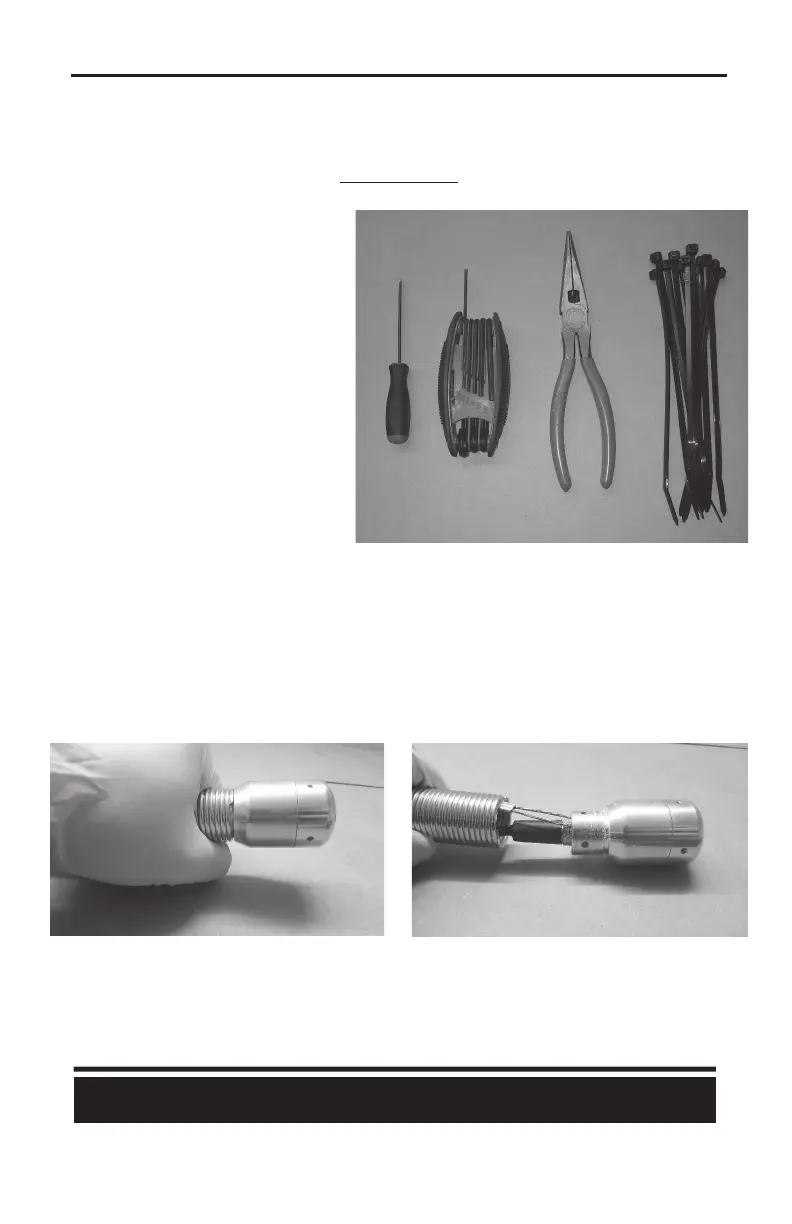
TOOLS REQUIRED
1) Set of Needle Nose Pliers
2) 5/64” Allen Key
3) Zip Ties
1) Pull your camera head assembly from the reel and add a zip e to the frame to secure the reel
from spinning during the head removal process.
2) Note the rotaon of the spring assembly towards the camera head.
3) Using your hands, rotate the spring in the SAME DIRECTION as the rungs (facing the camera
head) and PULL the head from the spring - This moon DECOMPRESSES the spring from head.
NOTE: Pro-Built Tools recommends that you send your equipment to an
authorized service center and have an authorized Pro-Built Tools Technician
work on your product. Please contact a technician for further diagnosis and instructions.



 To Next Page