3.6 Transfer screen data to GP-4301T/TW
Transfer the project file after conversion to GP-4301T/TW.
You can transfer data to GP-4301T/TW via;
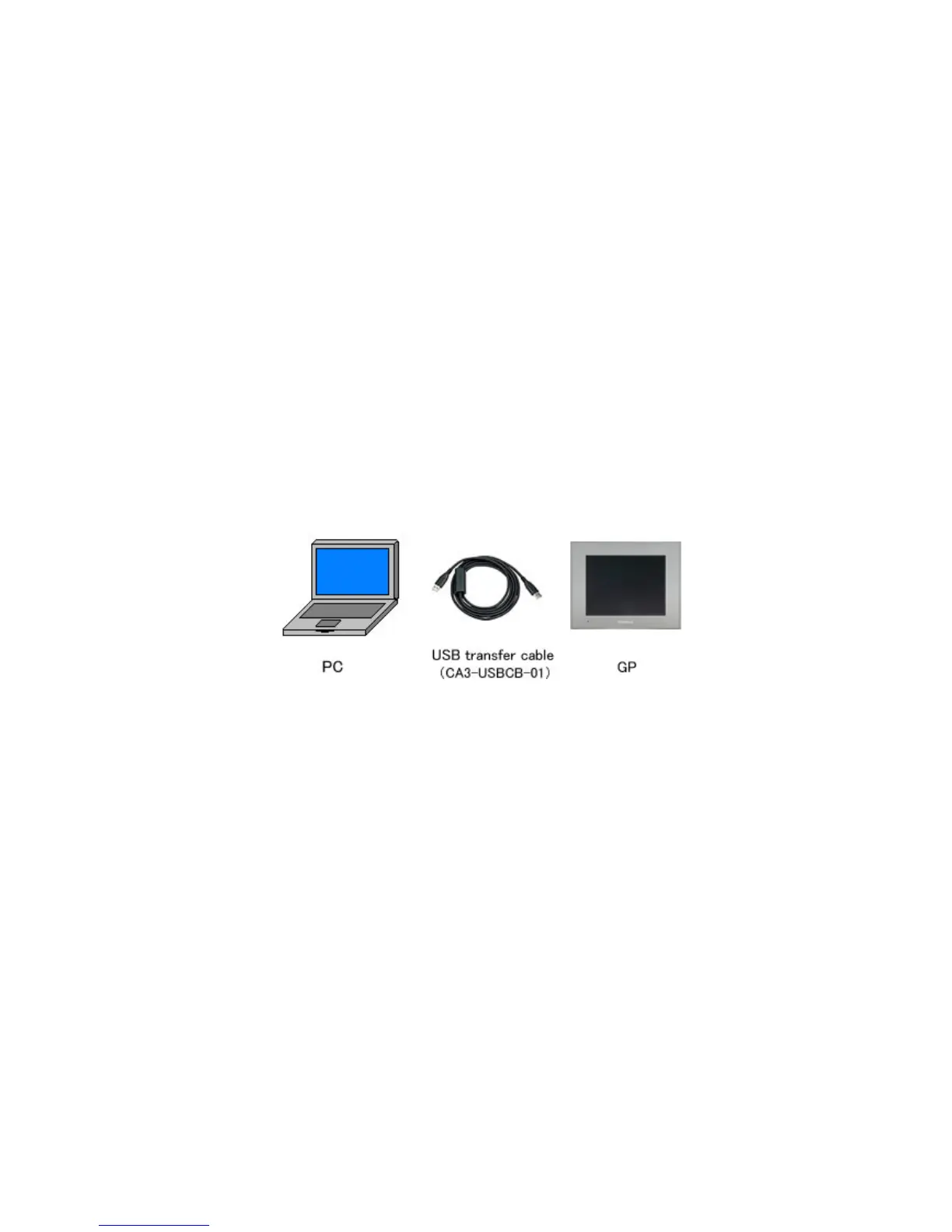
・ An USB transfer cable (model: CA3-USBCB-01)
・ An USB data transfer cable (model: ZC9USCBMB1)
・ A commercial USB cable (USB Type A/mini B)
・ A SD card (for GP-4301T only) /USB storage device
・ Ethernet
But this section explains, as an example, how to transfer screen data with an USB
transfer cable (model: CA3-USBCB-01).
39/59




 To Next Page