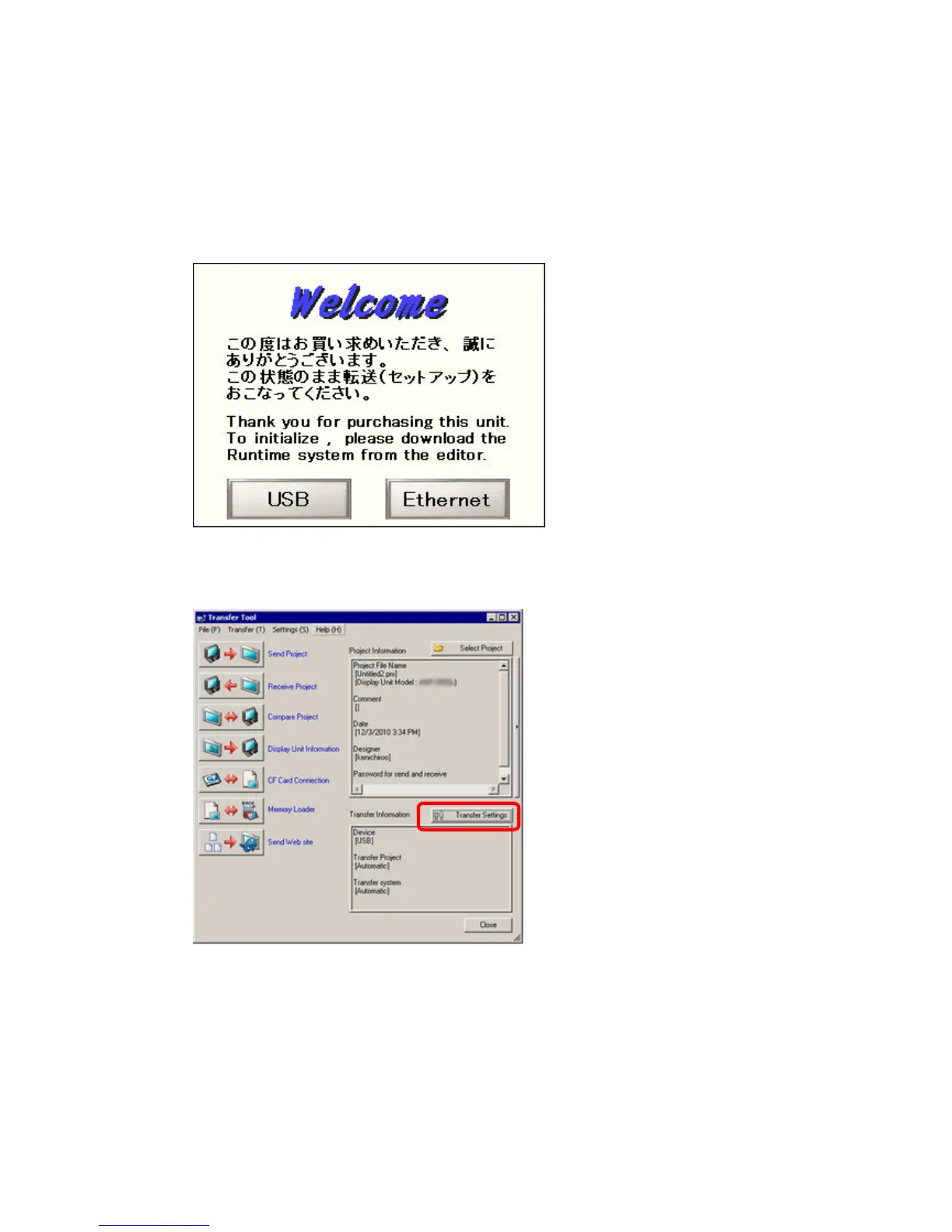
(2) Turn on the power of GP-4301T/TW. The “Initial Start Mode” screen will appear on
the display unit. After transferring a project file once, this screen will not appear
again.
(3) On the GP-Pro EX’s State Toolbar, click the [Transfer Project] icon to open the
Transfer Tool.
To transfer a different project file, click the [Select Project] button and select a
project file.
41/59




 To Next Page