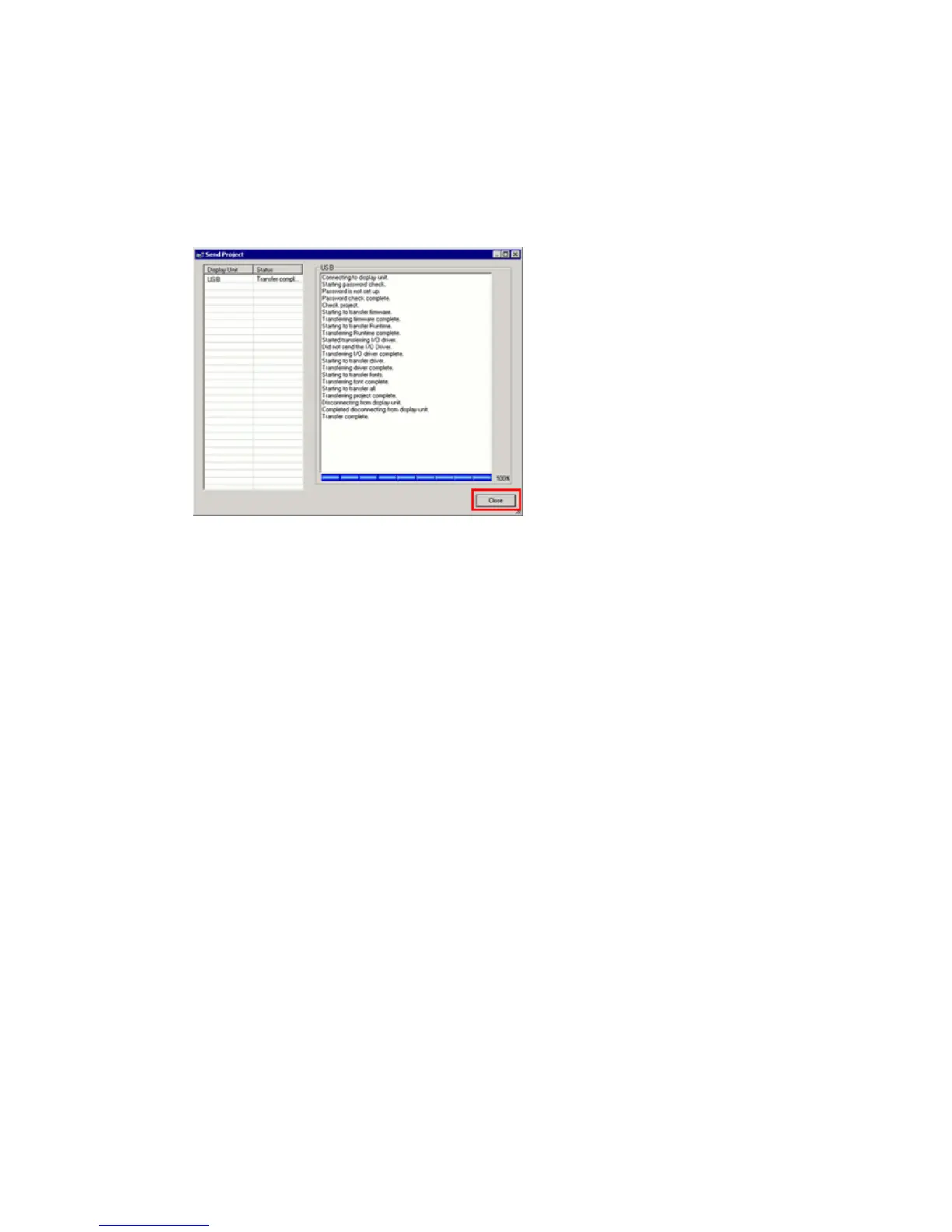
(7) When transfer is completed, the status displayed in the dialog box will change
from [Transferring] to [Complete Transfer]. Click [Close] to close the dialog box.
The display unit will be reset and a screen of the transferred project file will be
displayed.
(8) Close the Transfer Tool.
(9) Click the [X] mark on top right of the screen or [Project]->[Exit] to close GP-Pro
EX.
43/59




 To Next Page