EasyManua.ls Logo

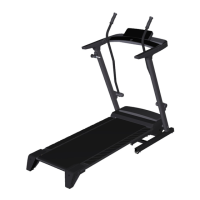
Pro-Form CrossWalk LT - User Manual

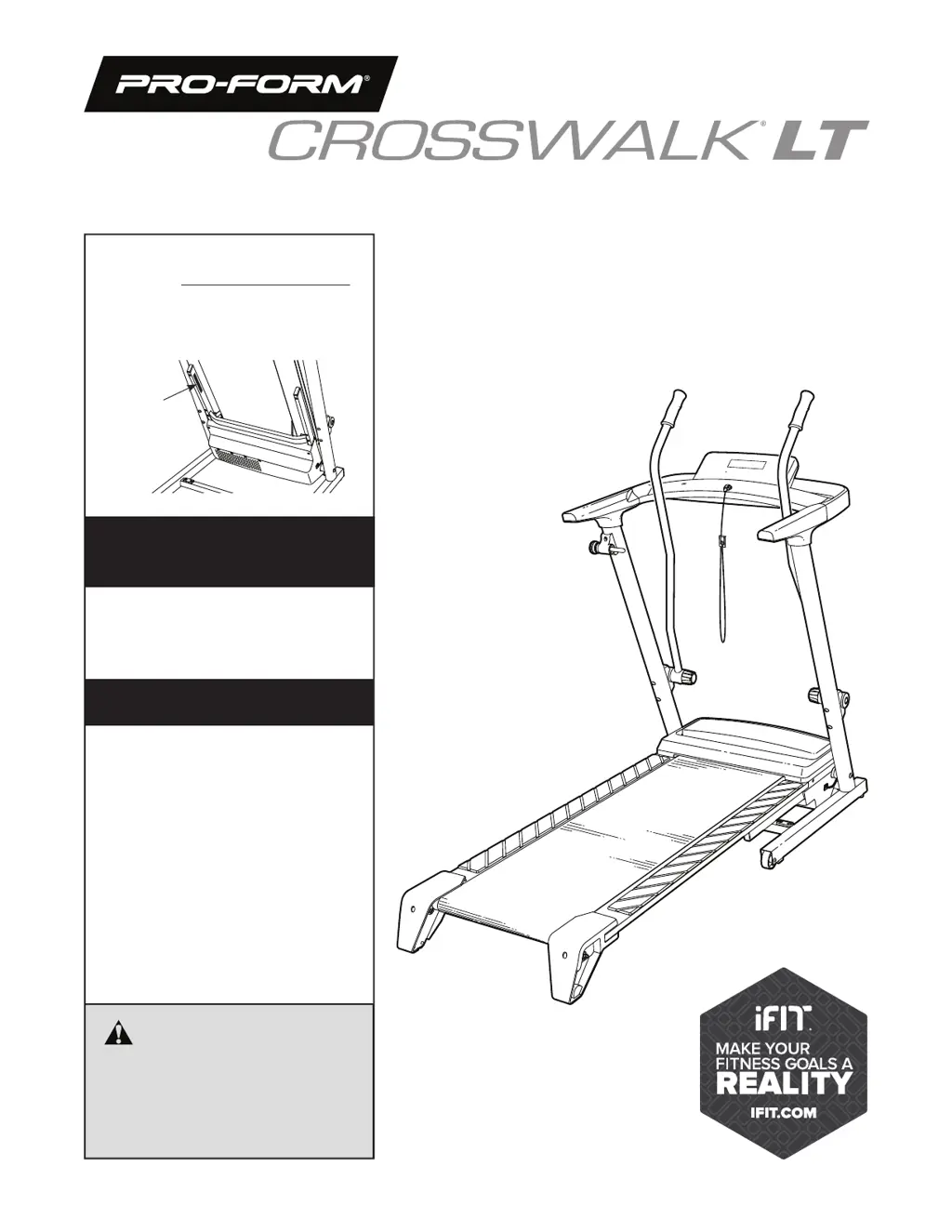
Pro-Form CrossWalk LT
36 pages
Print Icon
To Next Page IconTo Next Page
Loading...
USER’S MANUAL
Model No. PFTL29820.0
Serial No.
Write the serial number in the space
above for reference.
Serial
Number
Decal
proform.com
To register your product and
activate your warranty today,
go to my.proform.com.
For service at any time, go to
support.proform.com.
Or call 1-833-680-IFIT
(1-833-680-4348)
Mon.–Fri. 6 a.m.–6 p.m. MT
Sat. 8 a.m.–12 p.m. MT
Please do not contact the store.
REGISTER YOUR
PRODUCT
MEMBER CARE
CAUTION
Read all precautions and
instructions in this manual before
using this equipment. Keep this
manual for future reference.

Questions and Answers

  • S
    Sheila BrowningJul 28, 2025
    How to fix Pro-Form Fitness Equipment when the power does not turn on?
    • R
      ronald51Jul 28, 2025
      To address the issue of the Pro-Form Fitness Equipment power not turning on, ensure the power cord is correctly plugged into a surge suppressor, which itself should be plugged into a grounded outlet. If you're using an AFCI-equipped outlet and the circuit breaker trips, consider purchasing an arc filter. Also, verify that the key is properly inserted into the console. Check the power switch on the treadmill frame; if it's tripped (protruding), wait five minutes, then press it back in. Finally, ensure the console is activated according to assembly step 20.
  • J
    James Figueroa DDSAug 2, 2025
    What to do if Pro-Form Fitness Equipment turns off during use?
    • R
      richard26Aug 2, 2025
      If your Pro-Form Fitness Equipment turns off during use, start by checking the power switch. If it has tripped, wait five minutes before pressing it back in. Ensure the power cord is securely plugged in; if it is, unplug it, wait five minutes, and then plug it back in. Also, try removing and reinserting the key from the console.
  • C
    Christian PetersAug 7, 2025
    How to stop Pro-Form Fitness Equipment walking belt from slipping?
    • J
      jmorenoAug 7, 2025
      If the walking belt on your Pro-Form Fitness Equipment slips when walked on, first remove the key and unplug the power cord. Then, using the hex key, turn both idler roller screws clockwise by 1/4 of a turn. Be careful not to overtighten the walking belt. Plug in the power cord, insert the key, and start the walking belt at 1 mph.
  • L
    lori26Aug 12, 2025
    Why does Pro-Form Fitness Equipment walking belt slow down when walked on?
    • C
      Christina AndrewsAug 12, 2025
      If the walking belt slows down when you walk on your Pro-Form Fitness Equipment, it might be overtightened. Remove the key and unplug the power cord. Use the hex key to turn both idler roller screws counterclockwise by 1/4 of a turn. Note that your treadmill walking belt is coated with a high-performance lubricant; avoid applying silicone spray or other substances unless instructed by an authorized service representative.
  • E
    ewernerAug 17, 2025
    How to fix Pro-Form Fitness Equipment upper body arms squeaking?
    • J
      jonathan23Aug 17, 2025
      If the upper body arms on your Pro-Form Fitness Equipment squeak during use, apply a thin layer of white marine grease to the outer surface of the resistance cone. Marine grease can be found at most hardware stores.
  • W
    William CruzAug 22, 2025
    Why Pro-Form Fitness Equipment console displays remain lit when the key is removed?
    • D
      Devin CollinsAug 22, 2025
      The console of your Pro-Form Fitness Equipment might be in display demo mode, which is designed for store displays. To resolve this, check your console settings and turn off the demo mode. See step 3 for instructions.

Summary

Warning Decal Placement

Important Precautions

Before You Begin

Part Identification Chart

Assembly

How to Use the Treadmill

How to Connect the Power Cord

Explains how to properly connect the treadmill's power cord using a surge suppressor and grounded outlet.

How to Turn on the Power

How to Use the Manual Mode

How to Use an Onboard Workout

How to Connect Your Tablet to the Console

How to Connect a Heart Rate Monitor to the Console

How to Fold and Move the Treadmill

Maintenance and Troubleshooting

Maintenance

Procedures for regular cleaning and inspection of the treadmill to ensure optimal performance and longevity.

Troubleshooting

Solutions for common treadmill issues, categorized by symptoms like power loss or belt problems.

Part List

Exploded Drawing A

Exploded Drawing B

Exploded Drawing C

Exploded Drawing D

Pro-Form CrossWalk LT Specifications

General IconGeneral
BrandPro-Form
ModelCrossWalk LT
CategoryFitness Equipment
LanguageEnglish

Related product manuals