19
4. Follow your progress with the displays.
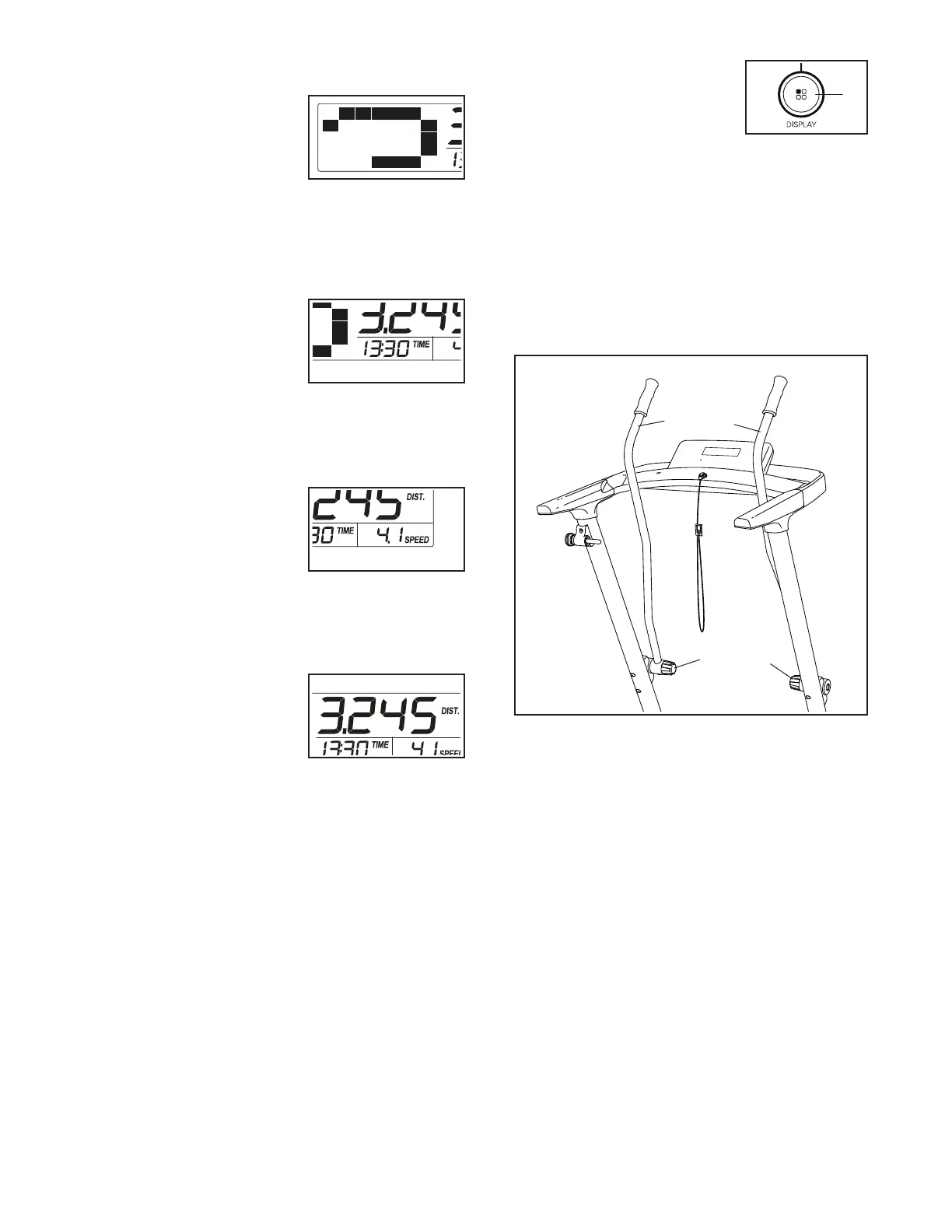
When you select the
manual mode, a track
representing 1/4 mile
(400 m) will appear in
the matrix. As you walk
or run on the treadmill,
the indicators around the track will appear in suc-
cession until the entire track appears. The track will
then disappear and the indicators will again begin
to appear in succession.
The lower left display
can show the elapsed
time and the distance
that you have walked or
run during your workout.
Note: When an onboard
workout is selected, the display will show the time
remaining in the workout instead of the elapsed
time.
The lower right display
can show the speed of
the walking belt and the
approximate number of
calories that you have
burned during your
workout. The display will also show your heart rate
when you use the handgrip heart rate monitor (see
step 6).
The upper display can
show the elapsed time,
the distance that you
have walked or run, the
approximate number
of calories you have
burned, or the speed of the walking belt.
The Display button (L) can
be used to select which
information is shown in the
upper display.
To reset the displays, press
the Stop button repeatedly.
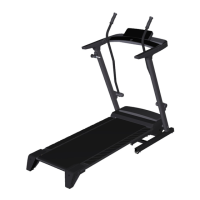
5. Use the upper body arms if desired.
As you walk on the treadmill, you can hold the
handrails or use the upper body arms (M). To ex-
ercise your arms, shoulders, and back for a total
body workout, move the upper body arms forward
and backward as you walk on the treadmill.
To vary the intensity of your upper body exercise,
the resistance of the upper body arms (M) can be
adjusted. To increase the resistance, turn the
resistance knobs (N) clockwise; to decrease the
resistance, turn the knobs counterclockwise.
N
N
M
M
L



 To Next Page