23
THE INFORMATION MODE
The console features an information mode that keeps
track of treadmill usage information and allows you to
view and change the console settings.
1. Select the information mode.
To select the information mode, insert the key into
the console while holding down the Stop button.
Then, release the Stop button. Note: If a workout
has been selected, you may need to press the Stop
button twice to exit the workout before you can
access the information mode. When the informa-
tion mode is selected, the following information will
be shown:
The upper display will show the software version of
the console.
An “E” for English miles or an “M” for metric kilome-
ters will appear in the lower right display. Press the
Speed increase button to change the unit of mea-
surement, if desired.
2. Navigate the information mode.
While the information mode is selected, you can
navigate through several screens. Press the Stop
button repeatedly to select the desired screen.
3. Change settings as desired.
Display Test—This screen is intended to be used
by service technicians to identify whether the
display is working correctly.
Button Test—This screen is intended to be used
by service technicians to identify whether a certain
button is working correctly.
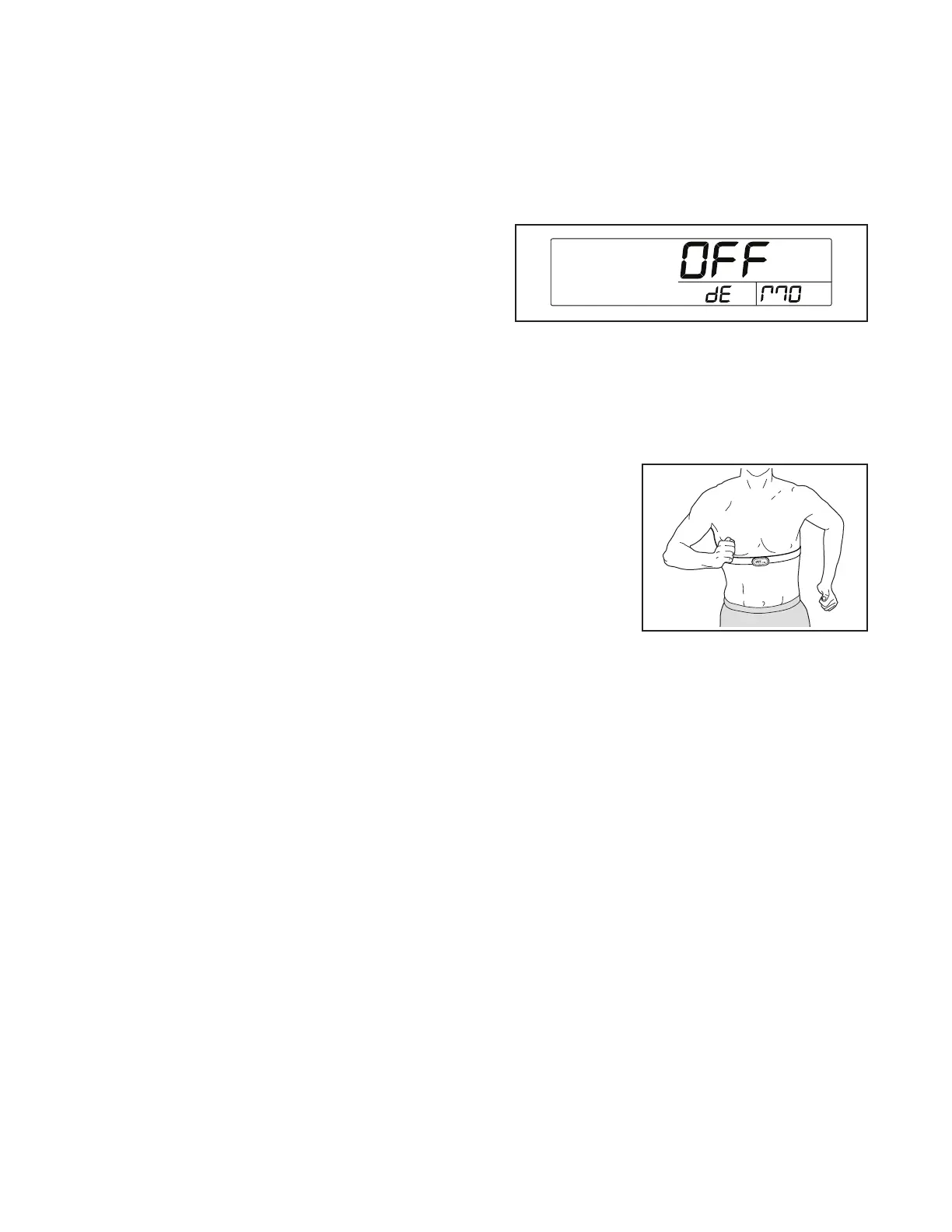
Demo Mode—The currently selected demo mode
option will appear in the display. The console
features a demo mode, designed to be used if the
treadmill is displayed in a store. If the demo mode
is turned on, the console will not turn off and the
display will not be reset when you fi nish exercis-
ing. Press the Speed increase button to toggle the
demo mode on or off.
To exit the information mode, remove the key from the
console, or press the Stop button repeatedly.
THE OPTIONAL CHEST HEART RATE MONITOR
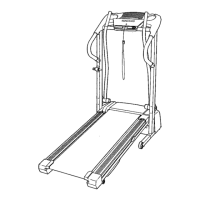
Whether your
goal is to burn fat
or to strengthen
your cardiovas-
cular system, the
key to achieving
the best results
is to maintain the
proper heart rate
during your work-
outs. The optional
chest heart rate monitor will enable you to continuously
monitor your heart rate while you exercise, helping you
to reach your personal fi tness goals. To purchase a
chest heart rate monitor, please see the front cover of
this manual.
Note: The console is compatible with all Bluetooth
Smart heart rate monitors.



 To Next Page