EasyManua.ls Logo

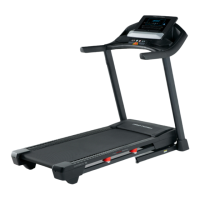
Pro-Form XT 70 - User Manual

Pro-Form XT 70
28 pages
Print Icon
To Next Page IconTo Next Page
Loading...
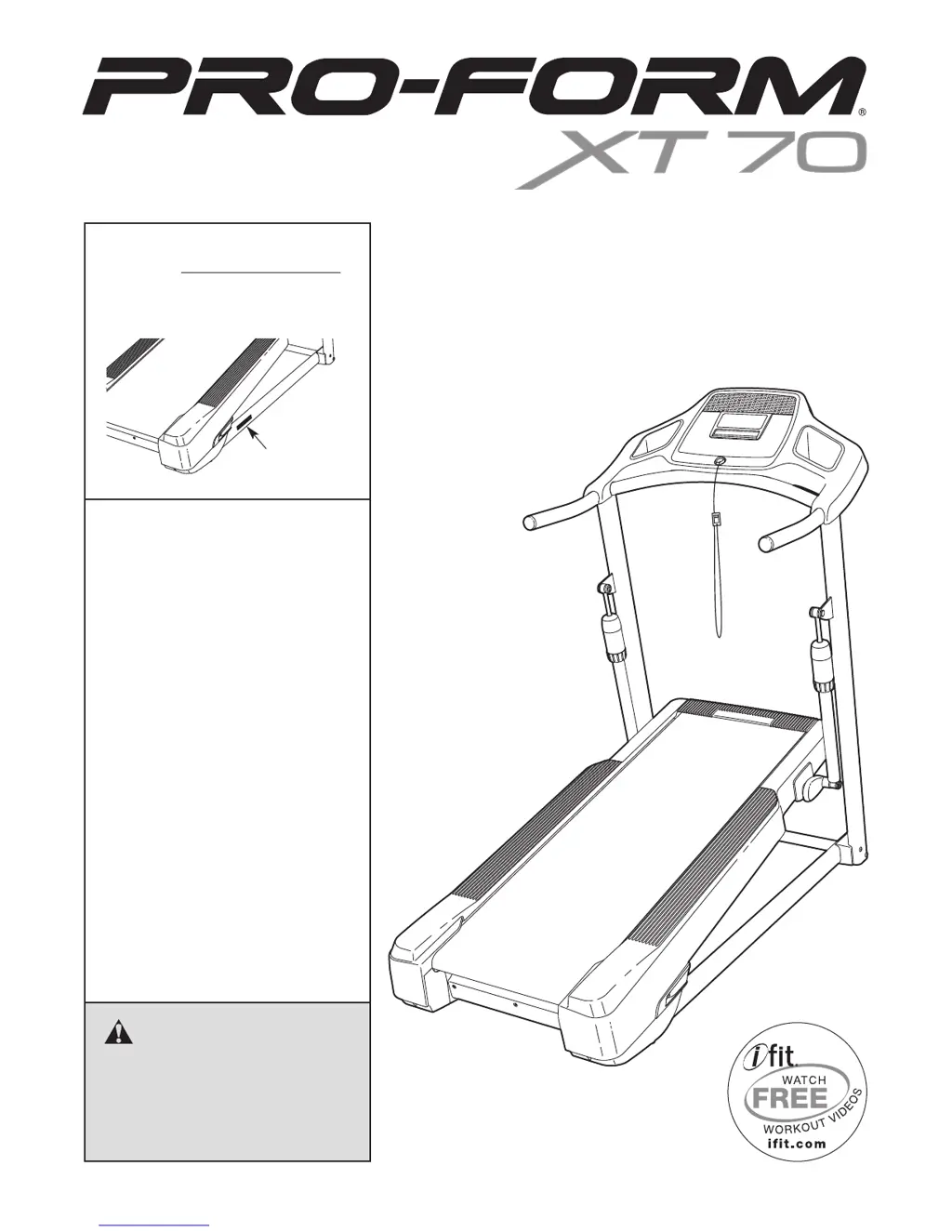
Serial Number
Decal
Model No. PFTL05099.1
Serial No.
Write the serial number in the space
above for reference.
CAUTION
Read all precautions and instruc-
tions in this manual before using
this equipment. Save this manual
for future reference.
QUESTIONS?
If you have questions, or if parts are
damaged or missing, DO NOT CON-
TACT THE STORE; please contact
Customer Care.
IMPORTANT: Please register this
product (see the limited warranty
on the back cover of this manual)
before contacting Customer Care.
CALL TOLL-FREE:
1-888-533-1333
Mon.–Fri. 6 a.m.–6 p.m. MT
Sat. 8 a.m.–4 p.m. MT
ON THE WEB:
www.proformservice.com
USERʼS MANUAL
www.proform.com

Questions and Answers

  • L
    Lisa RobinsonJul 30, 2025
    What to do if my Pro-Form XT 70 power turns off during use?
    • D
      Daniel WareJul 30, 2025
      If your Pro-Form Treadmill's power turns off during use, there are a few things you can check. First, make sure the power cord is securely plugged in. Also, the switch may have tripped; if this is the case, wait five minutes, and then press the switch back in to reset it. Finally, try removing the key from the console and then reinserting it.
  • J
    James WoodsAug 13, 2025
    How to fix Pro-Form XT 70 Treadmill when the power does not turn on?
    • E
      Elizabeth LopezAug 13, 2025
      If the power does not turn on for your Pro-Form Treadmill, ensure that the power cord is plugged into a surge suppressor, and that the surge suppressor is plugged into a properly grounded outlet. Also, the switch may have tripped. To reset it, wait five minutes, and then press the switch back in.

Summary

Product Identification and Support

Important Safety Caution

Read all precautions and instructions before using this equipment. Save for future reference.

Warning Decal Placement

Important Safety Precautions

User and Operation Safety

Focuses on user weight limits, supervision, attire, speed adjustments, and emergency stop.

Treadmill Assembly Instructions

Operation and Power Connection

Power Cord and Surge Suppressor Setup

Details on connecting the power cord, using a surge suppressor, and grounding requirements.

Console Operation and Features

Starting and Manual Mode Operation

Powering On the Treadmill

Step-by-step guide to plugging in, using the key, and activating the treadmill.

Workout Monitoring and Preset Workouts

Advanced Features: iFit and Stereo

Adjustments and Information Mode

Moving the Treadmill Safely

Troubleshooting Common Issues

Power Issues Troubleshooting

Solutions for treadmill not turning on or turning off during use.

Console Display Malfunctions

Steps to resolve problems with console displays not functioning correctly.

Walking Belt Performance Troubleshooting

Walking Belt Speed Slowdown

Diagnosing and fixing issues where the walking belt slows down during use.

Belt Alignment and Shock Issues

Walking Belt Alignment and Slipping

Correcting the walking belt's centering and preventing slippage.

Exercise Guidelines and Intensity

Ordering Parts and Limited Warranty

Pro-Form XT 70 Specifications

General IconGeneral
BrandPro-Form
ModelXT 70
CategoryTreadmill
LanguageEnglish

Related product manuals