EasyManua.ls Logo

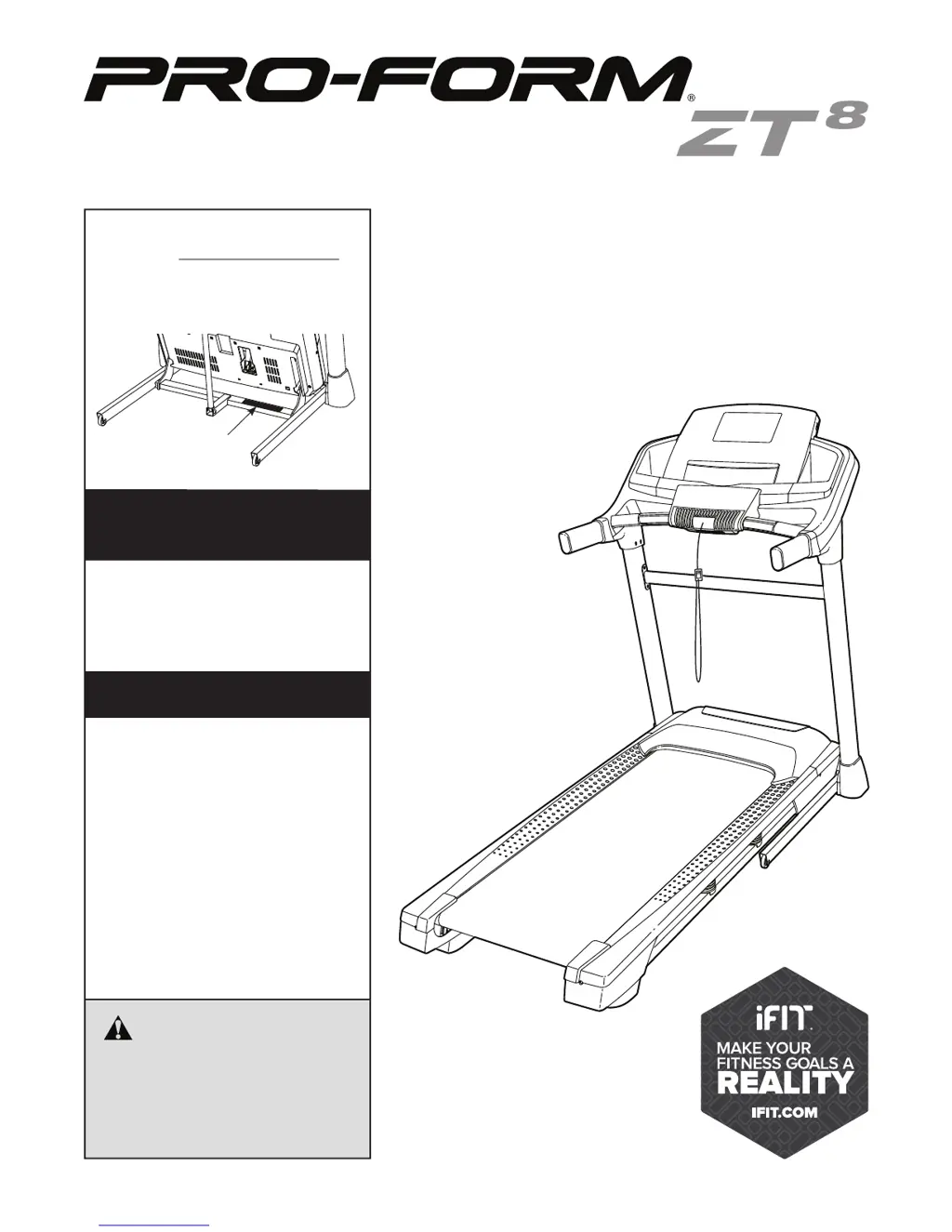
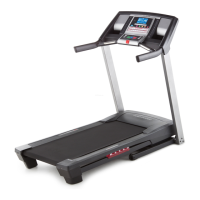
Pro-Form ZT8 - User Manual

Pro-Form ZT8
40 pages
Print Icon
To Next Page IconTo Next Page
Loading...
!!
"#$%&'!()*+#$
!,#-&'
!"#$%&'"(&)*+,-.//0(1&&
2$345%&'"(&&&&&&&&&&&&&&&&&&&&&&&&&&&&&&&&&&&&&&
.$%/#!/0#!1#$%&'!2)*+#$!%2!/0#!13&-#!
&+45#!64$!$#6#$#2-#7
&&&&678+9:'
;$5#&5%%&<3$=5>?4"@A&5@#&4@A?3>=B
?4"@A&4@&?C4A&D5@>5%&E$F"3$&>A4@G&
?C4A&$H>4<D$@?(&25I$&?C4A&D5@>5%&
F"3&F>?>3$&3$F$3$@=$(
82J;K2&!7'87,
LLL(<3"F"3D(="D
76+9M7+J&N:8;&
O7;;7'+N&
+"&3$G4A?$3&P">3&<3"#>=?&5@#&
5=?4I5?$&P">3&L5335@?P&?"#5PQ&
G"&?"&LLL(<3"F"3DA$3I4=$(="DR
3$G4A?35?4"@(
682+:!J;&67;J
*"3&A$3I4=$&5?&5@P&?4D$Q&G"&?"&
LLL(<3"F"3DA$3I4=$(="D(
8$!-&''!9:;;;:<==:9===
>427?@$%7!A!&7*7?A!37*7!>B
"&/7!;!&7*7?9C!37*7!>B
)%$5A$&#"&@"?&="@?5=?&?C$&A?"3$(

Questions and Answers

  • M
    Mrs. Sydney JohnsonJul 27, 2025
    How to fix Pro-Form ZT8 Treadmill if the power does not turn on?
    • A
      adrian34Jul 27, 2025
      If your Pro-Form Treadmill isn't powering on, ensure the power cord is securely plugged into a surge suppressor, which is, in turn, connected to a properly grounded outlet. Also, verify that the key is correctly inserted into the console. If the power switch has tripped, wait five minutes before pressing it back in to reset it.
  • C
    Cody StephensAug 1, 2025
    What to do if Pro-Form ZT8 power turns off during use?
    • N
      novakfranklinAug 1, 2025
      If your Pro-Form Treadmill shuts off during use, check if the power cord is properly plugged in. If it is, unplug it, wait five minutes, and then plug it back in. Also, remove the key from the console and reinsert it. If the switch has tripped, wait five minutes before pressing it back in to reset it.
  • A
    allison49Aug 7, 2025
    Why does Pro-Form ZT8 walking belt slow when walked on?
    • M
      melissaallenAug 7, 2025
      If the walking belt on your Pro-Form Treadmill slows down when you walk on it, ensure you're using a surge suppressor that meets all performance requirements. Also, if the walking belt is overtightened, use a hex key to turn both idler roller screws counterclockwise by 1/4 of a turn.
  • E
    Eugene MorganAug 13, 2025
    How to adjust Pro-Form Treadmill walking belt if it is off-center or slips?
    • M
      Mary RojasAug 13, 2025
      If the walking belt on your Pro-Form Treadmill is off-center or slips, first remove the key and unplug the power cord. If the belt has shifted left, use a hex key to turn the left idler roller screw clockwise 1/2 turn. If it has shifted right, turn the left screw counterclockwise 1/2 turn. If the belt slips, turn both idler roller screws clockwise 1/4 turn.
  • S
    Summer ShepardAug 20, 2025
    How to turn off demo mode on Pro-Form ZT8?
    • M
      michelegriffinAug 20, 2025
      If the console displays on your Pro-Form Treadmill stay lit even after removing the key, the demo mode is likely turned on. To disable it, hold down the Stop button for a few seconds.

Summary

Warning Decal Placement

Important Safety Precautions

iFIT Fitness Program Overview

Extended Service Plan Options

Getting Started: Before You Begin

Part Identification Chart

Treadmill Assembly Guide

Operation and Adjustment

Connecting the Power Cord

Details on using a surge suppressor and plugging in the treadmill's power cord for safe operation.

Console Diagram and Features

Console Features Overview

Explanation of the console's display, buttons, onboard workouts, iFit compatibility, and sound system.

How to Turn On Treadmill Power

How to Use Manual Mode

How to Use Onboard Workouts

How to Use Set-A-Goal Workouts

How to Use iFIT Workouts

Console Sound System and Settings

How to Use Sound System

Instructions for playing music or audio books through the console's sound system.

The Settings Mode

Guide to personalizing console settings, including units, demo mode, and trainer voice.

Folding and Moving the Treadmill

Folding and Lowering Procedures

Step-by-step guide on how to safely fold, move, and set up the treadmill for use.

Troubleshooting Common Issues

Exercise Guidelines and Intensity

Suggested Stretches for Exercise

Part List

Ordering Replacement Parts

Limited Warranty Information

Details on the product's warranty coverage, limitations, and legal rights for the customer.

Pro-Form ZT8 Specifications

General IconGeneral
BrandPro-Form
ModelZT8
CategoryTreadmill
LanguageEnglish

Related product manuals