
 Need help?
Do you have a question about the Pro1 Technologies T601-2 and is the answer not in the manual?
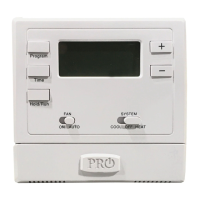
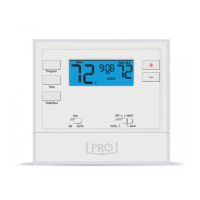
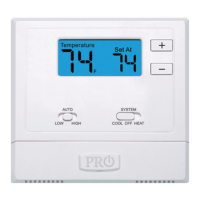
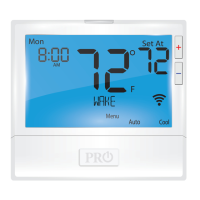
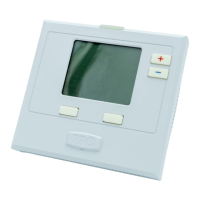
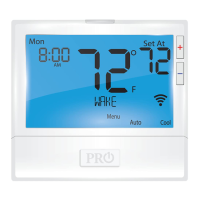
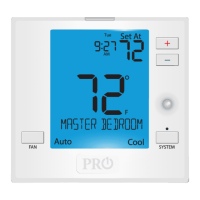
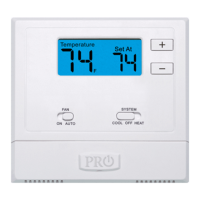
Details the LCD Display, Fan Switch, System Switch, Setpoint Buttons, and Battery Door for thermostat operation.
Instructions for accessing the battery door and replacing AA batteries.
Explains the low battery icon, its flashing behavior, and consequences of not replacing batteries.
Details how to register your thermostat for a 2-year limited warranty online or via mail.
 General
| Brand | Pro1 Technologies |
|---|---|
| Model | T601-2 |
| Category | Thermostat |
| Language | English |




 To Next Page
