
 Need help?
Do you have a question about the Pro1 Technologies T805 and is the answer not in the manual?
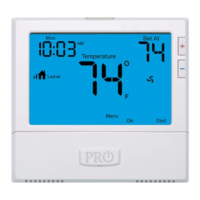
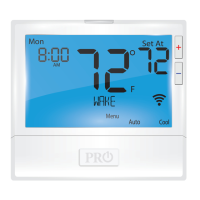
Details of the thermostat's LCD display read-out.
Functionality of the glow-in-the-dark light button.
How to select fan operation modes: ON, AUTO, IAQ.
How to select HVAC system modes: HEAT, COOL, OFF, AUTO.
Using buttons to select the desired room temperature.
Information about button and battery door access.
Guidance on replacing batteries and understanding low battery indicators.
Explanation of icons, indicators, and buttons on the thermostat display.
Step-by-step instructions for setting thermostat time and day.
Guide to programming daily wake, leave, return, and sleep times.
Instructions for programming Saturday and Sunday schedules.
Notes on the programmable fan feature.
How to set and manage temporary and permanent temperature holds.
Information on keypad lockout and auto changeover features.
How to view and reset air filter change reminders.
Details on thermostat warranty registration and methods.
 General
| Display Type | Digital |
|---|---|
| Temperature Range | 45°F to 90°F (7°C to 32°C) |
| Programmable | Yes |
| Hold Feature | Yes |
| Backlight | Yes |
| Power Source | Hardwired or Battery |
| Compatibility | Conventional systems |
| Programmability | 7-day programmable |





 To Next Page
