
 Need help?
Do you have a question about the Pro1 Technologies T625-2 and is the answer not in the manual?
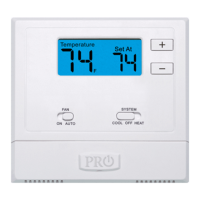
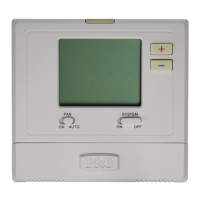
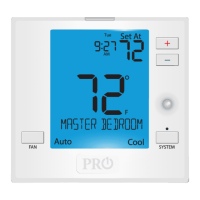
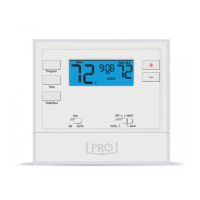
Details the thermostat's main screen interface elements and readouts.
Explains how to adjust the desired room temperature using '+' or '-' buttons.
Describes the options for continuous fan operation (ON) or automatic cycling (AUTO).
Covers selecting heating (HEAT), cooling (COOL), or off modes for the HVAC system.
Locates and explains access to the battery compartment for replacement.
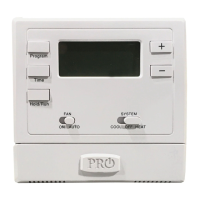
Identifies buttons used for setting up programming options and schedules.
Warns about potential damage to the cooling system from low outdoor temperatures.
Explains various symbols and numbers displayed on the thermostat screen.
Details the function and implications of the low battery warning icon.
Describes indicators for cooling (COOL ON) and heating (HEAT ON) system status.
Provides critical information on battery life, performance, and temperature offsets.
Guides on replacing batteries and accessing the easy access battery door.
Explains how to override the schedule temporarily or permanently.
Details how the thermostat uses heating stages for efficiency.
Guides on setting the current time and day of the week.
Details programming wake, leave, return, and sleep times for weekdays.
Details programming wake, leave, return, and sleep times for Saturdays and Sundays.
Explains the 2-year limited warranty and registration requirements.
Instructions for registering the thermostat via the company website.
Instructions for completing and mailing the warranty registration form.
 General
| Brand | Pro1 Technologies |
|---|---|
| Model | T625-2 |
| Category | Thermostat |
| Language | English |






 To Next Page