
 Need help?
Do you have a question about the Pro1 Technologies T855i and is the answer not in the manual?
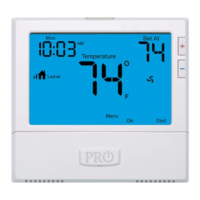
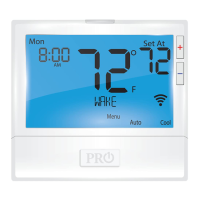
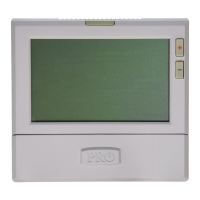
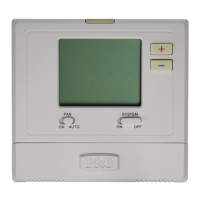
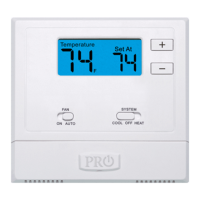
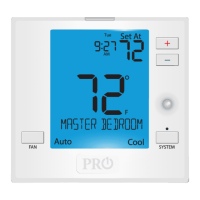
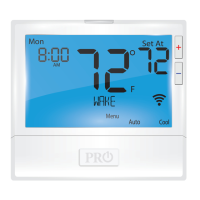
Overview of thermostat components and display elements.
Details on display, buttons, and access door functions.
Explains residential and commercial time period settings.
Explains Wi-Fi, Lockout, Fan, and other status indicators.
Detailed functions of the LCD, buttons, and keys.
Important information on auto changeover and fan operation.
Step-by-step guide to setting the thermostat's time.
Information on technician setup and keypad lockout.
How to view and reset filter change notifications.
How to set and exit temporary or permanent temperature holds.
Customize WAKE, LEAVE, RETURN, SLEEP periods for weekdays.
Customize schedules for each day of the week.
Customize OCCUPIED, UNOCCUPIED periods for weekdays.
Customize schedules for each day of the week.
Instructions and form for registering the 3-year limited warranty.
 General
| Programmable | Yes |
|---|---|
| Wi-Fi Capable | No |
| Hold Function | Yes |
| Filter Change Alert | Yes |
| Power Source | Battery |
| Display | Digital |
| Programmability | Yes |
| Changeover | Manual |






 To Next Page