Status Response
AVP RS-232 Quick Guide Page 15
Packet 16 to
27
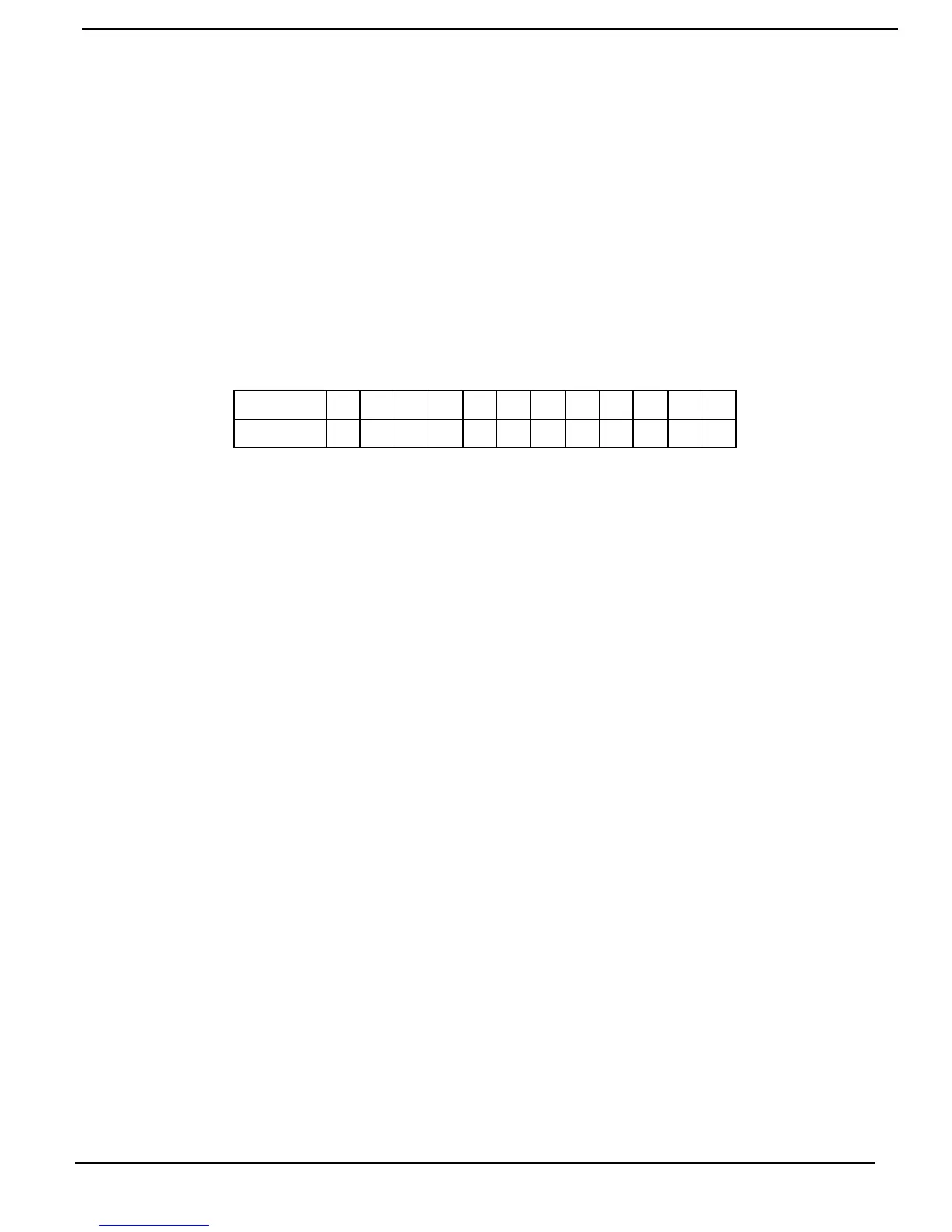
Front Panel ASCII Display – Packets 16 to 27 are the actual characters displayed on the
AVPs front panel display. These values will show the name of the source and the volume
setting of the AVP. The volume setting can be used to back up the information from packet 5
or packet 8. These values can also be used to determine the relative volume setting should it
be required.
NOTE: The path of the AVP must be changed to REMOTE in order to see the remote zone
values. The following steps allow reading of the remote zone display.
Packet / Character Layout
1. Switch the AVPs path to remote
2. Request the status by sending the status to pc command
3. Look at the ASCII values of the display returned in packet 16 to 27.
The packets start from the left side of the display with packet 16 and end on the right with
packet 27. See Appendix B for the hex to ASCII code list.
Packet
16
17
18
19
20
21
22
23
24
25 26
27
Character
1 2 3 4 5 6 7 8 9 10 11
12
Packets 28 to 30
CRC Bytes – Packets 28 to 30 show the CRC bytes of the communication and do
not have any correlation to AVP status.



 To Next Page