16
PR O C E E D
LU
C
A
S
FIL
M
®
digital surround decoder
digital processing
power
TM
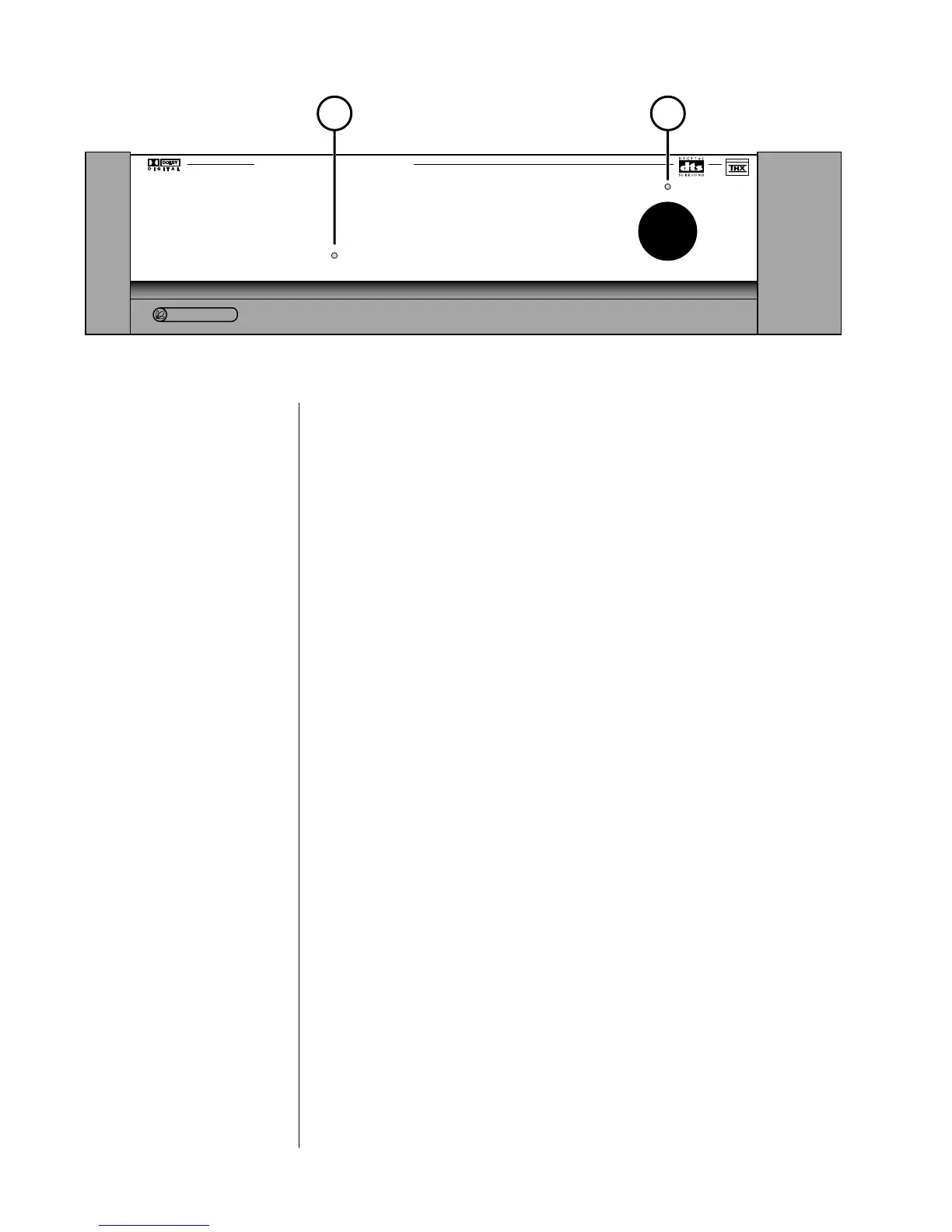
1 2
Front Panel
1 DIGITAL PROCESSING LED
This digital processing LED is normally completely off when an analog
source has been chosen, indicating that no digital signal processing is even
being attempted.
If the PDSD cannot communicate with the PAV (due to a forgotten commu-
nications cable, for example), the digital processing LED will blink to indi-
cate that it is trying (but not succeeding) to communicate with the PAV.
The digital processing LED glows red when a digital signal has been se-
lected, but cannot be “locked” onto and used. (Example: the RF output of a
laserdisc player typically goes “dead” during scanning, chapter searches, and
side changes, interrupting the signal and preventing the Digital Surround
Decoder from doing what you have “asked” it to do.)
Finally, the digital processing LED glows amber when a digital signal has
both been chosen and is being successfully received, indicating that digital
processing is possible.
The Digital Surround Decoder will automatically and transparently decode
PCM (including a digital version of Dolby Pro Logic), Dolby Digital (for-
merly called AC-3), DTS Coherent Sound, and MPEG, switching to whatever
form of digital decoding and processing the signal requires. In any of these
cases, the digital processing LED will glow amber to indicate that the Digital
Surround Decoder is handling the signal for you.
If you wish to learn which of these digital processes is active, press the
status button on the remote control.



 To Next Page