EasyManua.ls Logo

PROCEED Digital Surround Decoder - Set Speakers

Default Icon
92 pages
Print Icon
To Next Page IconTo Next Page
To Previous Page IconTo Previous Page
Loading...
39
set speakers Having set up all of your sources, the next step is to tell the PAV/PDSD system
more about the speakers it has in the system. This allows the PAV/PDSD to tailor
its performance to the needs and capabilities of your loudspeakers, and affects:
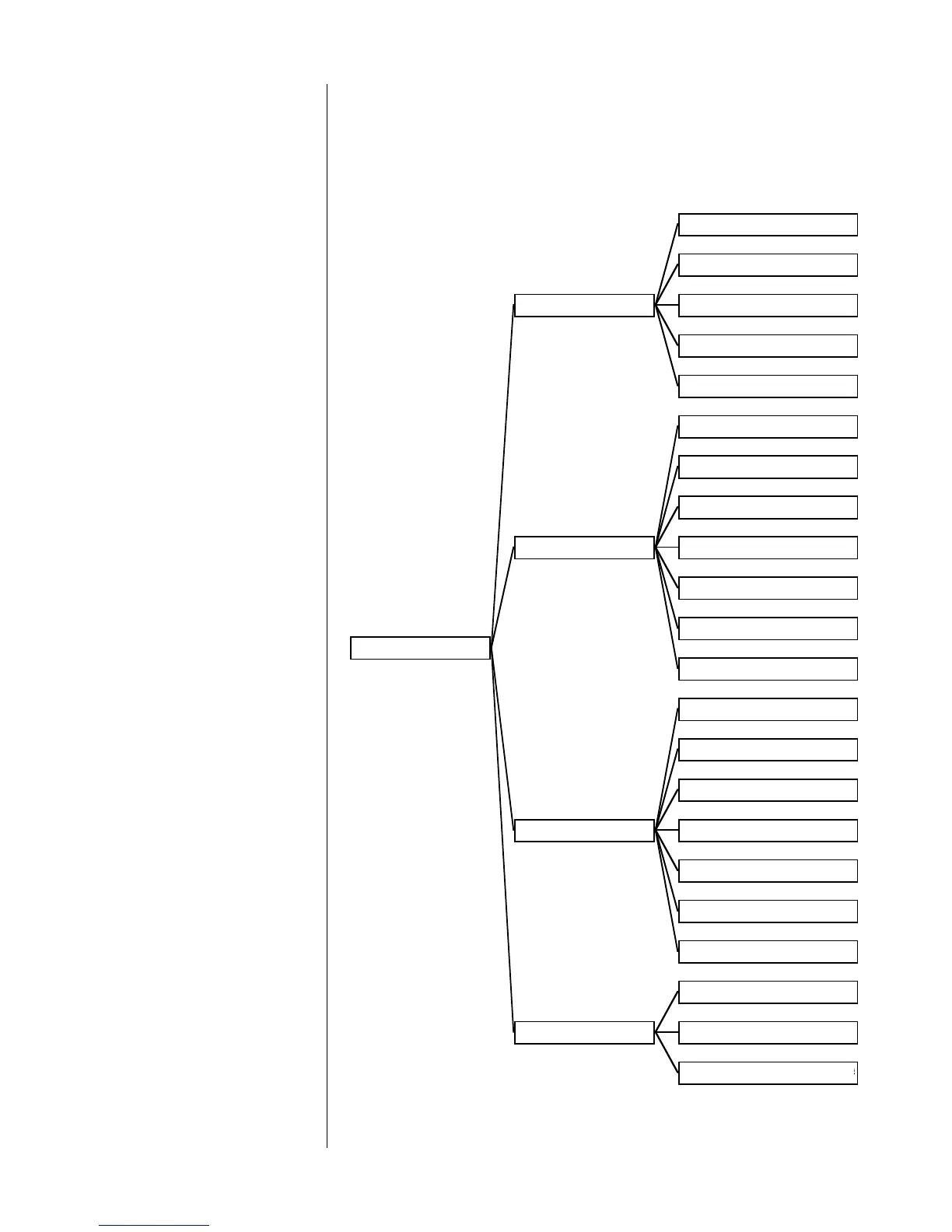
SET SPEAKERS
SET CONFIGURATIO
N
FRONT L&R: FULL RNG
CENTER: FULL RNG
REAR L&R: FULL RNG
SUBS: ONE
SET ALL FOR THX
SET DISTANCE
LEFT: 0.0 FT
CENTER: 0.0 FT
RIGHT: 0.0 FT
R. REAR: 0.0 FT
L. REAR: 0.0 FT
SUB: 0.0 FT
UNITS: ENGLISH
SET LEVELS
TEST SIGNAL: INTERNAL
LEFT: 84
CENTER: 84
RIGHT: 84
R REAR: 84
L REAR: 84
SUB: 84
BASS LEVEL MANAGE
R
TEST SIGNAL: OFF
TEST LEVEL: 30
CURRENT SAVED LEVEL: 12
5

Table of Contents