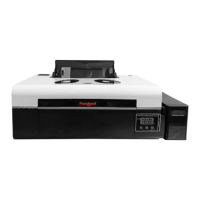
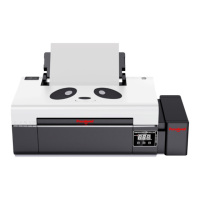
*Due to occasional product upgrades, this manual is for reference only.
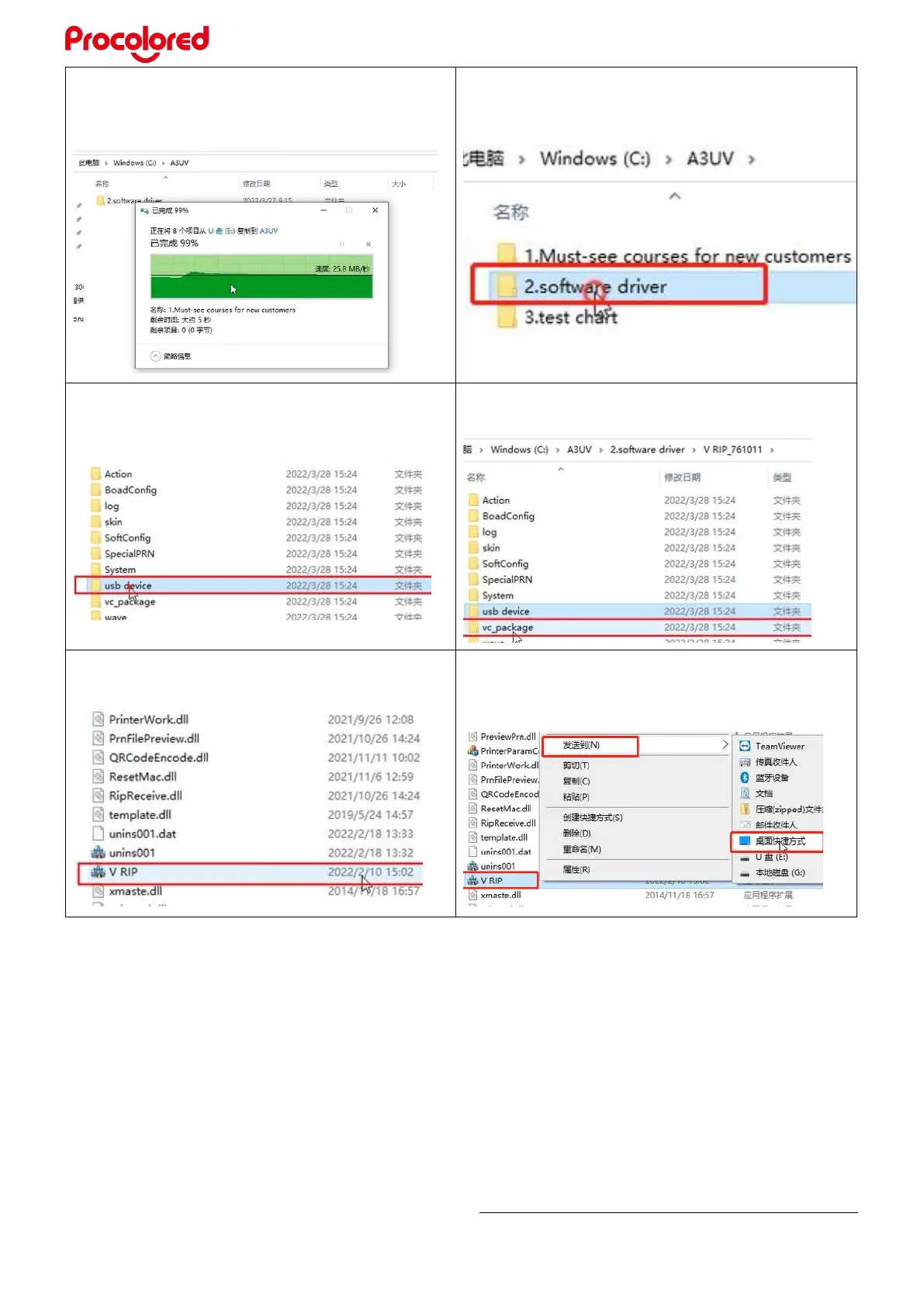
2.10 Copy all the data in the white USB disk
to the folder “ A3UV”
2.11 Open the folder “ software driver”
2.12 Unzip the VRIP, click the “usb device” ,
then double-click to install
2.13 Return to last folder, there is
“vc-package”, open it and click VCR_hyb
2.14 Back to last folder, open V RIP
application, install it.
2.15 After that, right click VRIP to send to
desktop shortcut.


 To Next Page