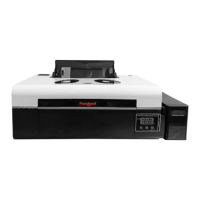
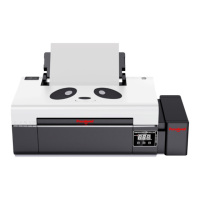
*Due to occasional product upgrades, this manual is for reference only.
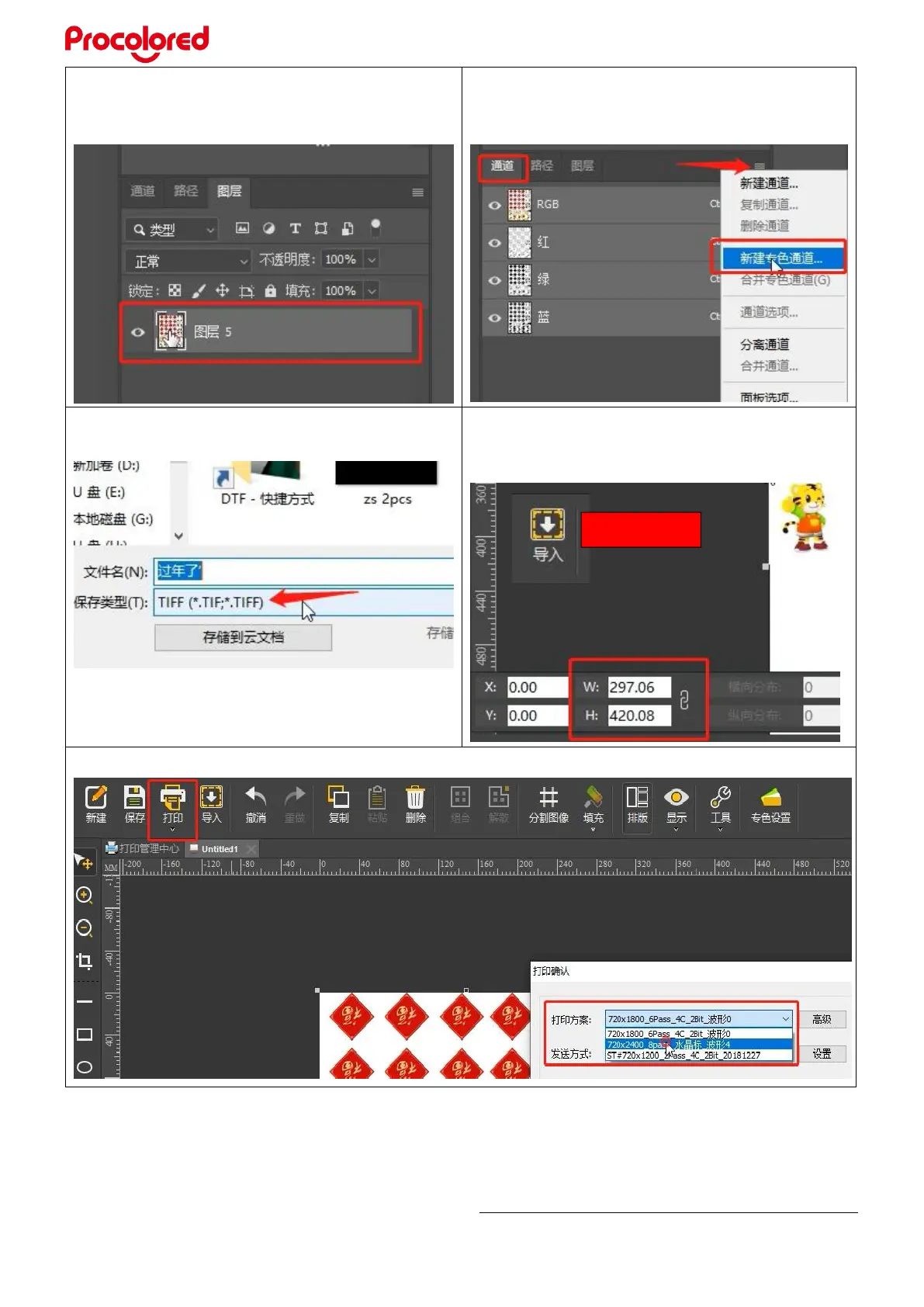
6.12 Make 3 spot color channels in
Photoshop. First, import an image you want to
print, select the layer
6.13 Click channel-create new spot color
channel, named “W1”, same to create”W2”
and “W3”
6.14 Save the image as TIF format
6.15 Open the RIIN software, import the
image we saved (TIF format), click the image
to see and set printing size.
6.16 Click Print, then choose the print resolution, generally choose 8 pass.


 To Next Page