Prodys S.L. Tel: +34 91 6896880 Θ Fax: +34 91 6943777 Θ Email: sales@prodys.net Θ Web: www.prodys.com
Page 23
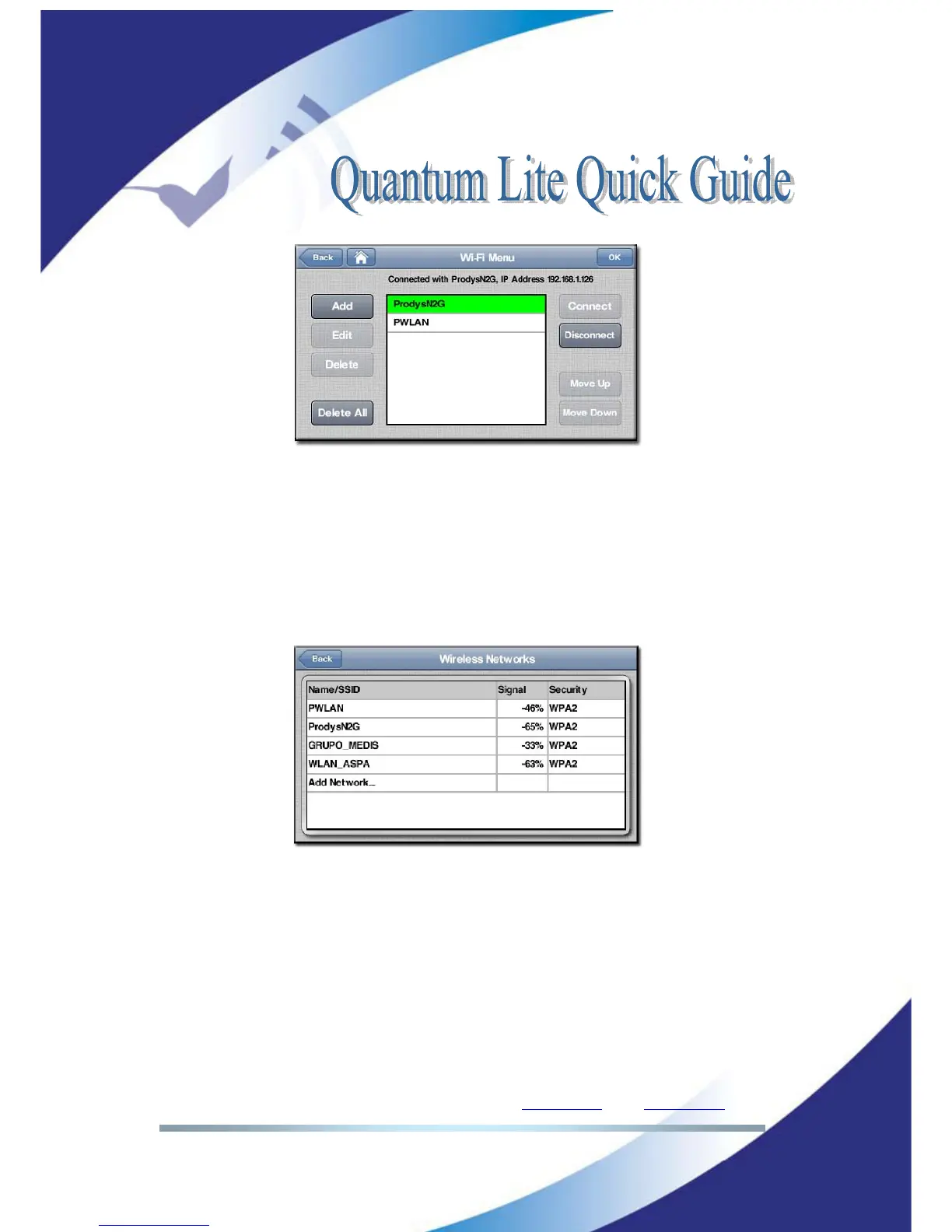
Picture 24: Selection of Wi-Fi provider
From this menu the user can select what Wi-Fi network will connect to. By
pressing the Add button it is possible to access the Wireless Networks Menu
where the different Wi-Fi networks automatically detected by the unit will
appear, so that the user can just select any of them and add them to the list of
Wi-Fi networks on the main Wi-Fi menu. The type of encryption and the quality
of reception will be shown for each of the available networks.
Picture 25: Wi-Fi information
Once in the main Wi-Fi menu, just clicking on any of the Wi-Fi networks available
in the list, the user will edit the password settings for that specific network.



 To Next Page