Prodys S.L. Tel: +34 91 6896880 Fax: +34 91 6943777 Email: sales@prodys.net Web: www.prodys.com
Page 86
When there is an active alarm, the background color of the title bar changes
from blue to red.
The alarm menu is opened by clicking on the lamp between the Program and the
TalkBack bars.
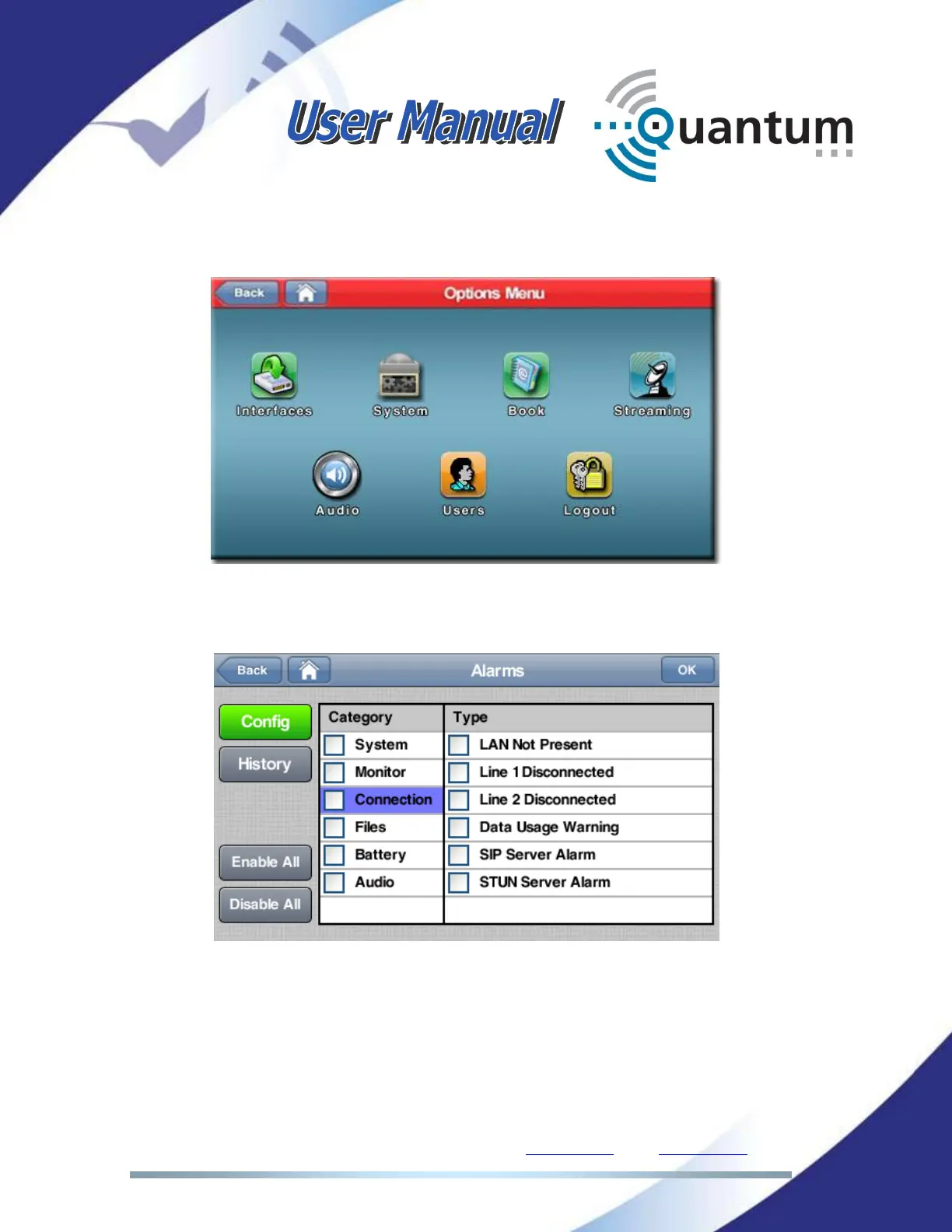
Inside each alarm category, there is a list of possible alarms that can be selected
individually clicking in its checkbox, or globally, clicking in the Category
checkbox.
When not all the alarms inside a category are selected, the category checkbox is
half-marked:



 To Next Page