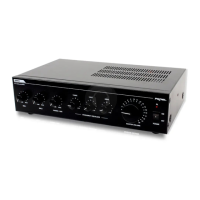
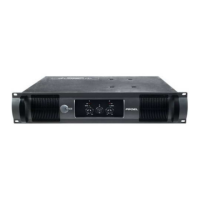
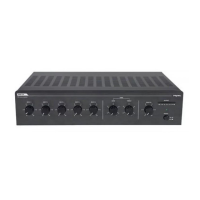
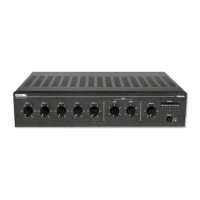
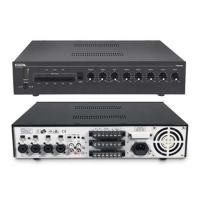
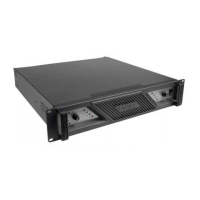
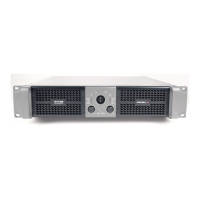
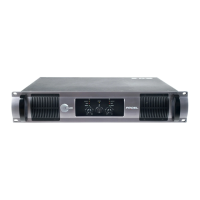
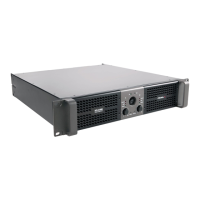
FRONT PANEL DESCRIPTION
fig.1
1) Power switch and power LED.
2) A & B level controls.
3) SIG LED (Signal LED) – these LEDs indicate that a signal is present
after the level controls.
4) OL LED (Overload LED) – these LEDs turn on when the output of
the amplifier reaches its maximum. It’s OK if this LED blinks
occasionally, but if it blinks continuously or frequently, please turn
down the source signal or the level controls.


 To Next Page