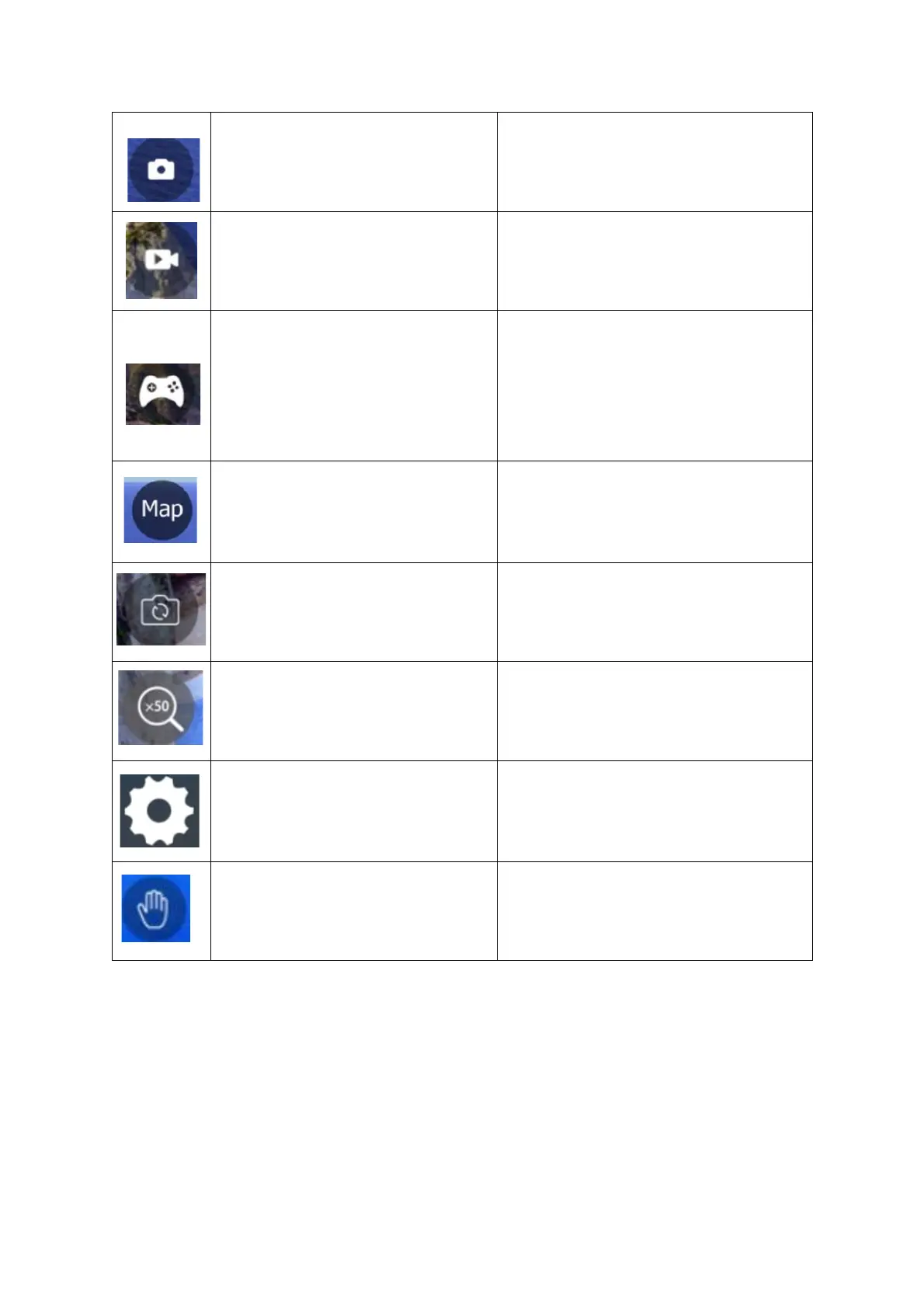
Press once to take a picture.
Press once to start video
capture. Press again to cancel
and save video.
TURN THE ON SCREEN
JOYSTICKS ON
Press once to turn on the on-
screen joysticks. Press again
to turn them off. The on-
screen joysticks work in the
same way as the controller
joysticks.
Press once to access the map,
this will show the drones
current location, it must be on
and connected to the app.
Press to change the cameras
viewing angle.
Press to change the
magnification of the on-screen
feed.
Press to enter the drone’s
settings. From this screen you
can: Alter video settings, map
settings, and control settings.
Use gestures to take pictures
and video.


 To Next Page